










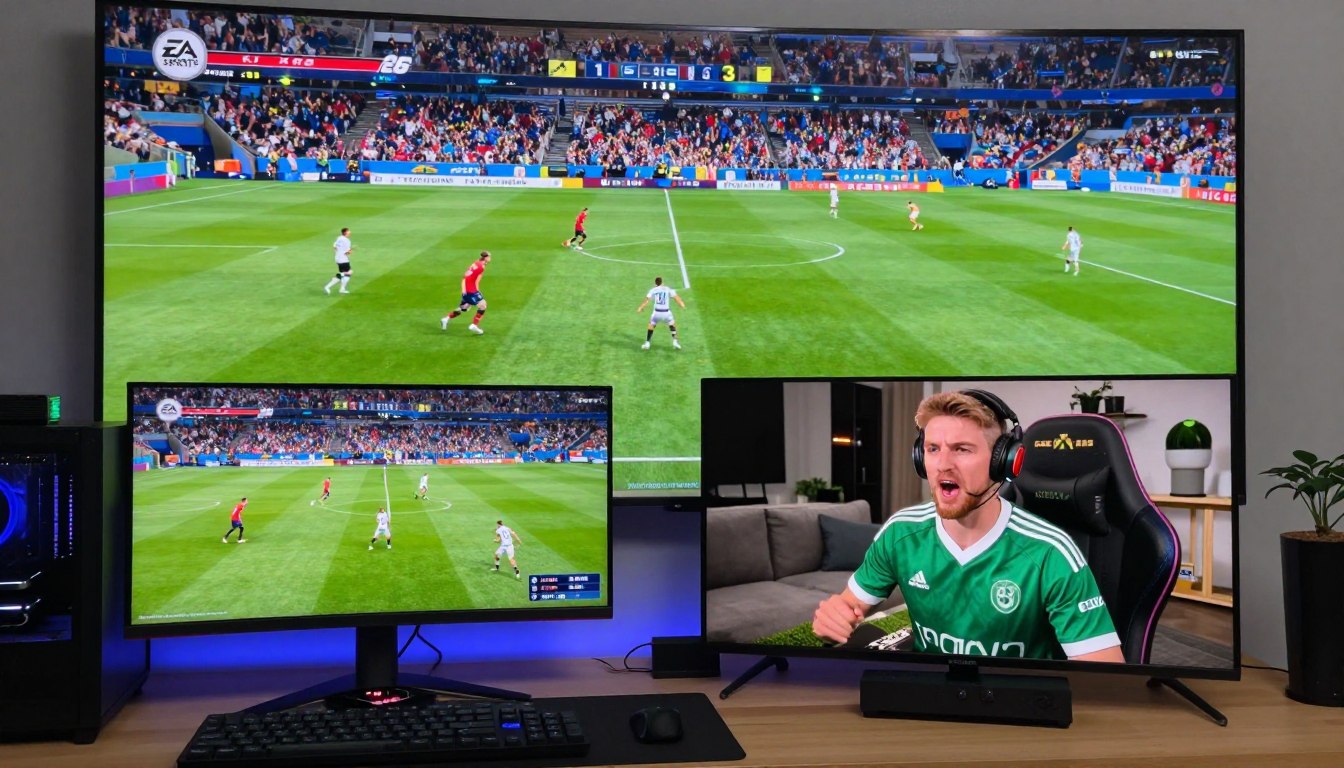
The debate between PC and Xbox gamers has been ongoing. With the release of EA Sports FC 26, the discussion is more relevant than ever. Gamers are eager to know how the gameplay and online modes differ between these two platforms.
When choosing between PC and Xbox for EA Sports FC 26, several factors come into play. The gameplay experience, graphics quality, and online features are crucial in making an informed decision. While PC gamers enjoy the flexibility of customizable settings, Xbox players benefit from a more streamlined experience.
Understanding the differences in gameplay differences and online modes between PC and Xbox will help gamers decide which platform suits their preferences. Let’s dive into the specifics of what sets these versions apart.
1. Platform Overview: What Sets PC and Xbox Versions Apart
EA Sports FC 26 has different versions for PC and Xbox. These versions offer unique gaming experiences. The main reason is the hardware and how each platform is optimized.
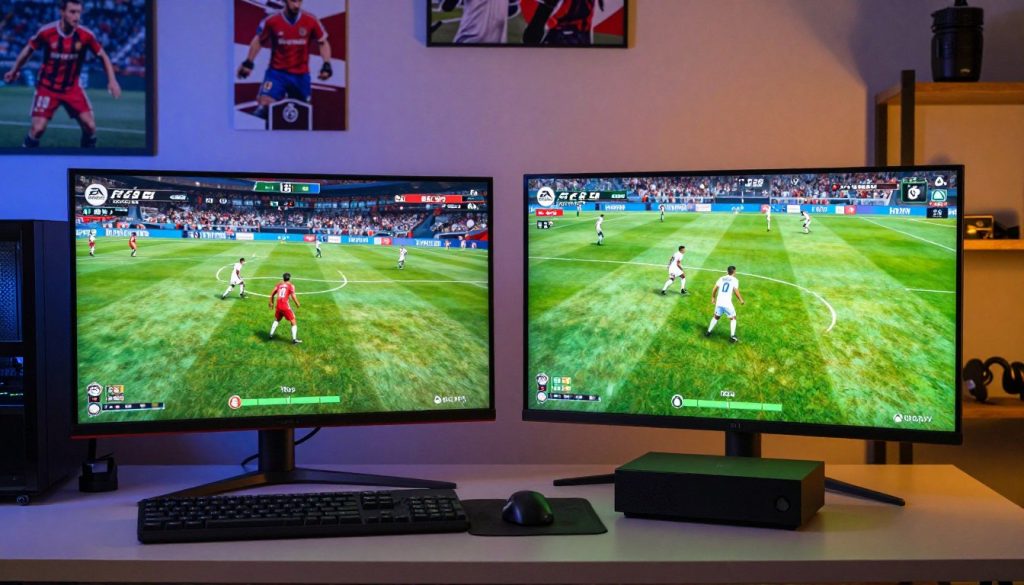
PC Version Key Characteristics
The EA Sports FC 26 PC version uses PC hardware to its fullest. It has advanced graphics and customization options. Players can play at high resolutions with detailed graphics, making the game look amazing.
Key features include:
- Customizable graphics settings for optimal performance
- Support for high-resolution displays
- Modding capabilities through community-created content
Xbox Series X and Series S Version Features
The Xbox Series X and Series S versions of EA Sports FC 26 are made for the latest console hardware. The Series X has better graphics, while the Series S is more affordable but with less detailed graphics.
Notable features include:
- Enhanced graphics performance on Series X
- Smooth gameplay on both Series X and Series S
- Quick Resume feature for seamless game switching
Which Platform Suits Your Gaming Style
Choosing between the PC and Xbox versions of EA Sports FC 26 depends on your gaming style and preferences. If you like customization and top-notch graphics, the PC version is for you. For a more straightforward, console gaming experience, Xbox Series X or Series S might be better.
Think about your hardware, gaming preferences, and the experience you want. This will help you decide between these platforms.
2. System Requirements and Hardware Specifications
To enjoy EA Sports FC 26 on PC and Xbox, knowing the system and hardware specs is key. These details affect how well the game runs and how good the experience is.
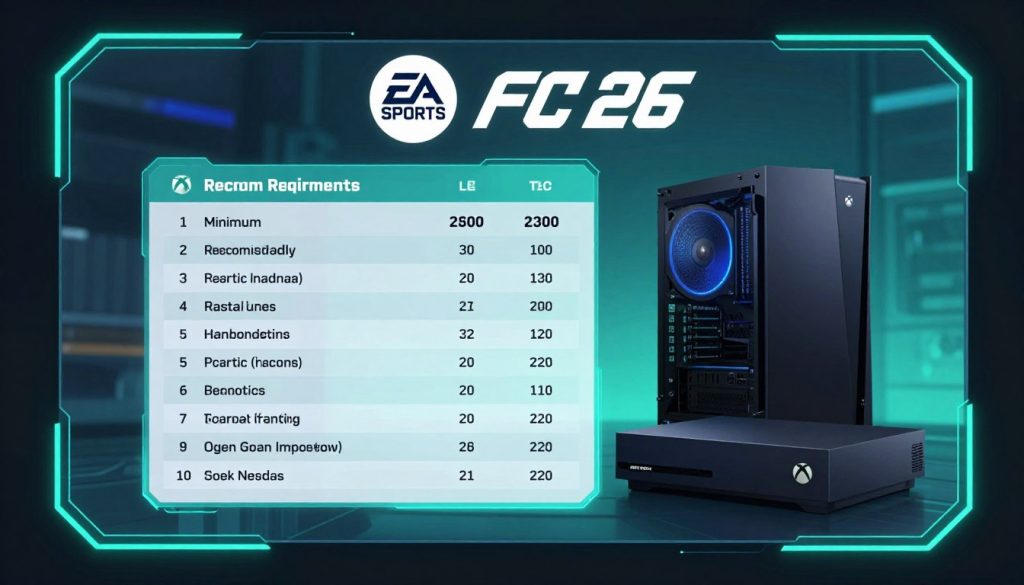
PC Minimum and Recommended Requirements
EA Sports FC 26 on PC needs certain specs for smooth play. You’ll need a quad-core processor, 8 GB RAM, and a graphics card with 4 GB VRAM at least. Recommended specs are higher, with a hexa-core processor, 16 GB RAM, and a top-tier graphics card with 8 GB VRAM or more. These specs help you play the game with better graphics.
Xbox Series X Hardware Capabilities
The Xbox Series X has strong hardware. It has a custom AMD Zen 2 CPU and a Radeon RDNA 2 GPU. This setup means high-fidelity graphics and quick load times. The 16 GB GDDR6 RAM and 1 TB SSD storage help it handle demanding games like EA Sports FC 26 well.
Xbox Series S Performance Considerations
The Xbox Series S is less powerful than the Series X but still offers great performance. It has a similar AMD Zen 2 CPU but a less powerful GPU. It has 10 GB GDDR6 RAM and 512 GB SSD storage. While it can play EA Sports FC 26, you might see some graphics and performance drops compared to the Series X. Optimizing game settings can improve your experience on the Series S.
Knowing these specs helps gamers choose the right setup for EA Sports FC 26.
3. Graphics Quality and Visual Fidelity Comparison
EA Sports FC 26 on PC and Xbox shows different graphics quality. The PC version lets players customize their graphics to match their computer’s power.
PC Graphics Settings and Customization
The PC version of EA Sports FC 26 has many graphics settings. Players can change things like resolution, texture quality, and shadow details. This makes the game feel more personal.
Key customization options include:
- Resolution scaling
- Texture quality adjustments
- Advanced shadow and lighting effects
Xbox Series X Visual Performance
The Xbox Series X has great visual performance. It uses its strong hardware to show detailed graphics and smooth gameplay. This means EA Sports FC 26 looks amazing on the console.
Xbox Series S Graphics Limitations
The Xbox Series S is more affordable but has some graphics limits. Players might see lower texture quality and fewer lighting effects compared to the Series X.
Texture Quality Across Platforms
Texture quality is different on PC and Xbox. On PC, players can tweak texture settings for better performance or visuals, based on their choice.
Lighting and Shadow Rendering
Lighting and shadow are key to the game’s look. The PC version, with its advanced settings, can create very realistic lighting and shadows. This is especially true for those with high-performance computers.
Stadium and Crowd Detail
Stadiums and crowds look different on PC and Xbox. The PC version, especially with top-notch hardware, can show more detailed stadiums and crowd animations.
In summary, EA Sports FC 26 on PC and Xbox highlights each platform’s strengths. The PC version offers lots of customization and possibly better graphics. Meanwhile, the Xbox Series X gives a strong console gaming experience.
4. Frame Rate and Performance Optimization
Getting a smooth gaming experience in EA Sports FC 26 depends on the frame rate and performance of your platform. This is true for both PC and Xbox. Making these elements better is key for a great game feel.
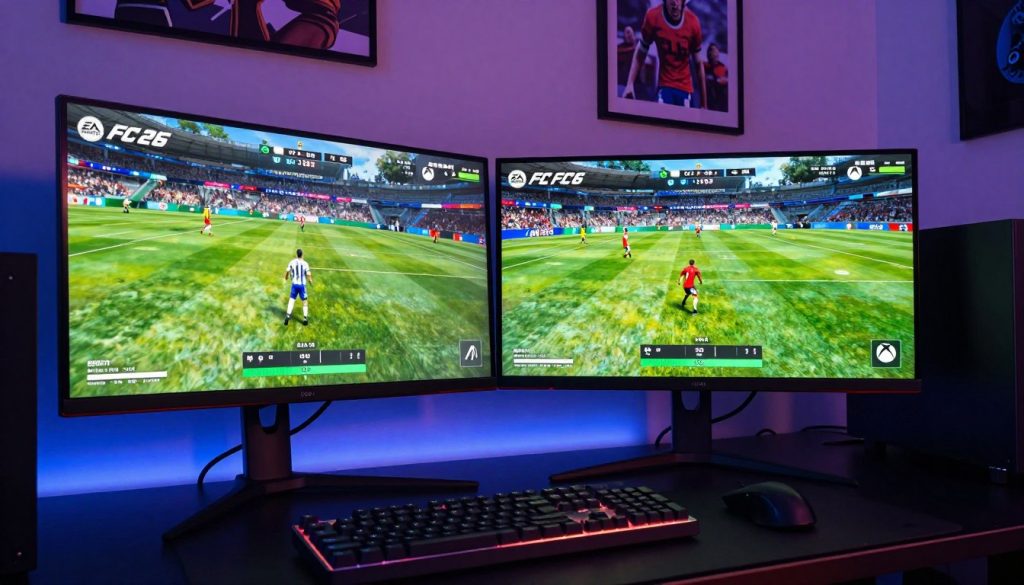
PC Frame Rate Flexibility and Monitor Support
On PC, EA Sports FC 26 lets you choose your frame rate. This means you can adjust it based on your computer’s power. High-refresh-rate monitors make the game feel smoother.
To get the most out of this, make sure your graphics settings are set for high frame rates. This ensures a smooth game.
Monitor support is also important. The game works well with many monitor refresh rates. So, whether you have a 144Hz or 240Hz monitor, the game will work well with it.
Xbox Performance Mode Settings
Xbox players can adjust performance mode settings. These settings let you choose between better performance or better visuals.
120fps Support on Xbox Series X
The Xbox Series X can run EA Sports FC 26 at 120fps. This makes the game very smooth on compatible screens. It’s great for competitive players who need every edge.
Performance vs Quality Trade-offs
When you’re optimizing performance, you have to think about what you’re giving up. Higher frame rates make the game feel more responsive. But, they might make the graphics less sharp. On the other hand, focusing on visuals can make the game run slower.
It’s all about finding the right balance. Try different settings to see what works best for you and your hardware.
5. EA Sports FC 26 on PC vs Xbox: Control Schemes and Input Response
Choosing between PC and Xbox for EA Sports FC 26 is more than just about looks. It’s about how you control your players. The control schemes on each platform are different, changing your gaming experience.
Keyboard and Mouse Gameplay on PC
The keyboard and mouse setup on PC gives you precise control and quick navigation. You can adjust key bindings to fit your style, making it personal. This is great for PC gamers who like to customize.
Controller Support and Compatibility
Both PC and Xbox versions of EA Sports FC 26 work with many controllers, like the Xbox Wireless Controller. But, the input lag and responsiveness can differ. PC players might see less lag with the right controller.
Input Lag Comparison
Input lag is key for competitive gamers. Xbox Series X and Series S consoles are built for low latency. PC players can get similar results with fast monitors and the right setup.
Adaptive Trigger Support on Xbox
The Xbox Wireless Controller has adaptive triggers. These add tactile feedback to your game, like the feel of a bowstring or a car’s acceleration. PC players can use Xbox controllers but miss out on this feature.
Button Mapping Flexibility
EA Sports FC 26 lets you map buttons on both PC and Xbox. PC players can tweak keyboard and mouse controls a lot. Xbox players can change their controller’s buttons. This lets you play how you like best.
6. Gameplay Mechanics and On-Field Performance
In EA Sports FC 26, the mix of ball physics, player animations, and AI behavior makes for a unique gaming experience. This is true for both PC and Xbox. The performance on the field is shaped by several key factors that vary between the two platforms.
Ball Physics and Movement
The ball physics in EA Sports FC 26 are more realistic on PC. This is because players can tweak graphics settings and use more powerful hardware. On Xbox, the ball still moves smoothly but is limited by the console’s hardware.
Key differences in ball physics:
- PC: More realistic ball bounce and trajectory
- Xbox: Slightly less realistic due to hardware limitations
Player Animations and Responsiveness
Player animations are crucial for on-field performance. The PC version has more detailed animations because it can handle better hardware.
AI Behavior Consistency
AI behavior is the same on both platforms, with the same algorithms guiding player decisions. But, the PC version can show more complex AI behavior. This is because it can handle more complex calculations.
Tactical Gameplay Differences
Tactical gameplay varies between the two platforms, mainly because of control scheme differences. PC players using keyboard and mouse can do more precise tactical moves. Xbox players use controllers for their gameplay.
Tactical differences:
| Platform | Tactical Advantages |
|---|---|
| PC | Precise tactical maneuvers using keyboard and mouse |
| Xbox | Controller-based gameplay with intuitive controls |
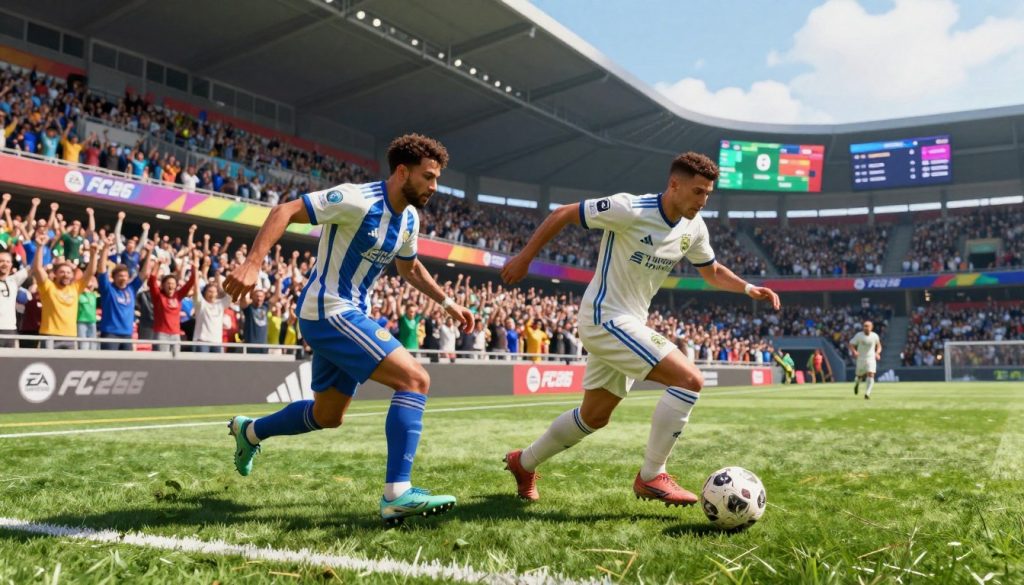
The differences in gameplay mechanics and on-field performance between PC and Xbox versions of EA Sports FC 26 show each platform’s unique strengths. Knowing these differences helps players pick the version that fits their gaming style best.
7. Online Multiplayer Infrastructure and Connectivity
When you play EA Sports FC 26 online, you notice big differences between PC and Xbox. The quality of your game depends a lot on your platform choice.
PC Online Services Through EA App
The EA App is great for PC gamers. It offers a smooth online experience. PC players get features like dedicated servers and customizable matchmaking.
Xbox Live Network Integration
Xbox’s Live Network is key for online play. It keeps games stable and secure. Xbox Live also cuts down on latency, making games feel fast.
Server Locations and Latency
Where servers are located affects latency. EA Sports FC 26 uses servers all over to reduce lag. PC players might have an edge by picking servers close to them.
Matchmaking Speed and Quality
Good matchmaking is essential for online play. Both PC and Xbox match players quickly. But, the quality depends on player skill and server load. Efficient matchmaking pairs players well, making games better.
Connection Stability Issues
Stable connections are key for smooth play. Both platforms work hard to keep connections steady. But, PC players might face problems with hardware and internet. Regular updates and optimizations from EA help fix these issues.
| Feature | PC (EA App) | Xbox (Xbox Live) |
|---|---|---|
| Server Customization | Available | Limited |
| Matchmaking Quality | High | High |
| Latency Optimization | Geographically dependent | Optimized by Xbox Live |
8. Ultimate Team Mode: Platform-Specific Differences
The Ultimate Team mode in EA Sports FC 26 offers a unique experience on PC and Xbox. There are distinct differences in the transfer market economy and card prices. Players can build their dream teams by collecting player cards and participating in challenges.
Transfer Market Economy on PC
The transfer market on PC is highly dynamic. A large player base contributes to its liquidity. Players can buy and sell cards, with prices changing based on supply and demand.
The PC version’s transfer market is often more volatile. This is because of the potentially larger player base. The ease of accessing the market through keyboard and mouse controls also plays a role.
Transfer Market Dynamics on Xbox
On Xbox, the transfer market dynamics are slightly different. The console’s player base is significant but may not be as large as on PC. However, the Xbox Live network provides a stable environment for trading cards.
The dynamics of the market can be influenced by the console’s user-friendly interface. The controller’s precision also plays a role.
Card Prices and Market Volatility
Card prices in the transfer market vary significantly between PC and Xbox. On PC, the market tends to be more volatile. Prices change rapidly due to the high volume of trades.
On Xbox, the prices are generally more stable. However, they still subject to fluctuations based on new card releases and player performance.
Squad Building Challenges Accessibility
Squad Building Challenges (SBCs) are essential in Ultimate Team mode. They offer rewards and challenges for players. On both PC and Xbox, SBCs are accessible, but the experience can differ.
PC players may find it easier to complete SBCs due to the precision of keyboard and mouse controls. Xbox players rely on the controller’s functionality.
In conclusion, while the core experience of Ultimate Team mode is similar across PC and Xbox, there are notable differences. These include transfer market economy, card prices, and SBC accessibility. Understanding these differences can help players make informed decisions about their gaming platform.
9. Pro Clubs and Co-Op Gameplay Experience
Pro Clubs in EA Sports FC 26 changes co-op gameplay, but how does it differ on PC and Xbox? This mode lets players create and manage their clubs. They compete against other teams in a fun and dynamic setting.
Pro Clubs Player Base on Each Platform
The player base for Pro Clubs changes between PC and Xbox. This is because of the different types of users on each platform. PC gamers often have a wider range of skills. Xbox players, on the other hand, tend to play more competitive games.
Drop-In Matches and Club Formation
Drop-in matches are a key part of Pro Clubs. They let players easily join or start matches. On PC, using a keyboard and mouse is different from using a controller on Xbox.
Communication Tools and Voice Chat
Good communication is essential in Pro Clubs. EA Sports FC 26 has voice chat features to help with teamwork and strategy. These features work the same on both PC and Xbox, making teamwork easy for all players.
| Feature | PC | Xbox |
|---|---|---|
| Voice Chat | Integrated through EA App | Integrated through Xbox Live |
| Drop-In Matches | Supported | Supported |
| Control Scheme | Keyboard & Mouse or Controller | Controller |
In conclusion, Pro Clubs works the same on PC and Xbox. But, the different controls and features on each platform make the game feel unique.
10. Career Mode and Single-Player Features
The single-player journey in EA Sports FC 26 is different for PC and Xbox players. Knowing these differences helps players get the most out of their game.
Save File Management and Cloud Saves
On PC, EA Sports FC 26 uses the EA App for save file management. This allows for cloud saves, so players can access their Career Mode progress from any device linked to their EA account. Xbox players also have cloud saves, but through Xbox cloud. This means they can pick up their game on any Xbox console.
However, PC players have more control over their save files. They can manually manage their saves, a feature Xbox players don’t have.
Simulation Speed Differences
Simulation speed is another area where PC and Xbox differ. PC players can adjust the speed to their liking, from normal to fast-forward. Xbox players can also adjust the speed, but the console’s power might affect how smooth the game runs.
This is especially true in long matches or when managing many teams.
Loading Times Comparison
Loading times in Career Mode are important for the overall experience. On PC, loading times depend on the hardware, with faster SSDs making things quicker. Xbox Series X and Series S consoles also have fast loading times thanks to their SSDs.
However, the Series S might have slightly longer loads because of its less powerful hardware. Both platforms have quick loading times, but PC players with top-notch hardware might have a slight edge.
11. Cross-Platform Play and Account Progression
EA Sports FC 26 changes how players connect across different gaming platforms. It lets players on PC and Xbox play together without any trouble. This makes the gaming community bigger and more connected.
Cross-Play Functionality Between Platforms
EA Sports FC 26 lets players play together on PC and Xbox. This means players can team up or compete, no matter their platform. It makes the game more fun and social.
EA Account Linking Process
To use cross-platform play, players need to link their EA accounts. First, create or log into an EA account on the EA website. Then, link it to your gaming platform accounts. Linking accounts lets you play together and share game progress and purchases.
Progress Transfer Limitations
EA Sports FC 26 lets players share some progress, but there are limits. Some game modes or achievements might not transfer. This is because of platform-specific rules or differences in game modes.
Friend List and Social Features
The game’s social features, like the friend list, work the same on all platforms. Players can add friends on different platforms and see if they’re online. This makes it easy to plan games and play together.
In summary, EA Sports FC 26’s cross-platform play and account features make the game better. It lets players from different platforms play together, creating a more inclusive and exciting community.
12. Modding, Customization, and Community Content
Playing EA Sports FC 26 on PC or Xbox lets you make the game your own. PC players get more options because of its open architecture. Xbox players can still customize their game, but not as much.
PC Modding Capabilities and Community
The PC version of EA Sports FC 26 has a big modding community. Players can make and use custom mods that change the game’s look and feel. The PC modding community is full of creativity, with mods ranging from small tweaks to big changes.
- Mods can improve graphics, add new stadiums, or bring in new teams and players.
- People share and talk about mods on forums and other places.
- Popular mods can make the game last longer.
Xbox Customization Options
On Xbox, you can’t do as much modding as on PC. But, there are still ways to customize your game. You can change your team’s tactics, formations, and player roles to fit your style.
Custom Tactics and Formations
EA Sports FC 26 on Xbox lets you make custom tactics and formations. This means you can change how you play the game. It’s great for competitive play, where a unique strategy can help you win.
- You can tweak your team’s defense and offense.
- Custom formations can help you beat your opponents.
- You can change tactics during games.
In summary, both PC and Xbox versions of EA Sports FC 26 let you customize your game. PC modding gives you more options, but Xbox has its own set of in-game choices.
13. Competitive Online Modes and Esports Scene
EA Sports FC 26 takes competitive gaming to new levels with its online modes. Division Rivals and Champions Mode are at the forefront. They offer a challenging environment that pushes players to their limits.
Division Rivals and Champions Mode
Division Rivals in EA Sports FC 26 has a competitive ladder system. Players climb the ranks by winning matches. It’s all about skill, strategy, and never giving up.
Champions Mode is for the best players. It’s a tournament-style format that mirrors real esports competitions.
These modes get better with regular updates and balance changes. Players can test their skills against others. The feeling of moving up the ranks is incredibly rewarding.
Tournament Participation by Platform
Tournament participation varies by platform. PC and Xbox offer different chances to compete. On PC, players can join online tournaments through the EA App. Xbox players can find tournaments on Xbox Live.
Esports Competition Platform Preferences
Platform preferences in esports can change by region and tournament. PC players often have an edge in competitive settings because of better frame rates and customizable controls. Xbox players, on the other hand, enjoy the stability and consistency of console gaming.
Knowing these preferences is key for top-level competition. Success on PC or Xbox comes from skill, practice, and knowing the game well.
14. Pricing, Value, and Long-Term Costs
When looking at EA Sports FC 26, gamers should think about more than just the upfront cost. The cost over time can change a lot, depending on whether you play on PC or Xbox. This is because of different pricing and extra content.
PC Purchase Options and Digital Stores
EA Sports FC 26 is available on PC through the EA App, Steam, and Epic Games Store. Prices can vary because of special deals or discounts. Buying from the EA App might give you bonuses or early access that others don’t get.
Xbox Store Pricing and Xbox Game Pass
Xbox players can buy EA Sports FC 26 from the Xbox Store or through Xbox Game Pass. Game Pass lets you play a lot of games, including new ones like EA Sports FC 26, for a set monthly fee. This can save money for those who play a lot.
DLC and Microtransaction Parity
Both PC and Xbox get the same DLC packs and microtransactions. This means you get the same extra content on both. But, how often and how much you pay for these can affect the total cost. Here’s a quick look at the main price and value differences between PC and Xbox.
| Platform | Base Game Price | Xbox Game Pass | DLC Costs |
|---|---|---|---|
| PC (EA App) | $59.99 | Not Available | Variable |
| Xbox Series X/S | $59.99 | Available | Variable |
In summary, even though EA Sports FC 26 costs the same at first on PC and Xbox, the overall cost can differ. This is because of different ways to buy, like Xbox Game Pass, and extra DLCs. Think about these when choosing where to buy your game.
15. Conclusion
Choosing between EA Sports FC 26 on PC or Xbox depends on several things. These include your hardware, what you like in gameplay, and online features. The PC version lets you customize graphics and use keyboard and mouse.
The Xbox version is great for a smooth gaming experience with a controller. Both platforms offer a similar game feel. But, the PC version might be better for competitive players because of its frame rate and monitor support.
Xbox, however, has strong online features and a community. This makes it a good choice for those who are part of the Xbox world. In the end, both PC and Xbox have their good and bad sides.
It’s key to think about what you need and like in a game when picking a platform. Knowing the differences and special features of each can help you choose. This way, you can have the best gaming experience.
