











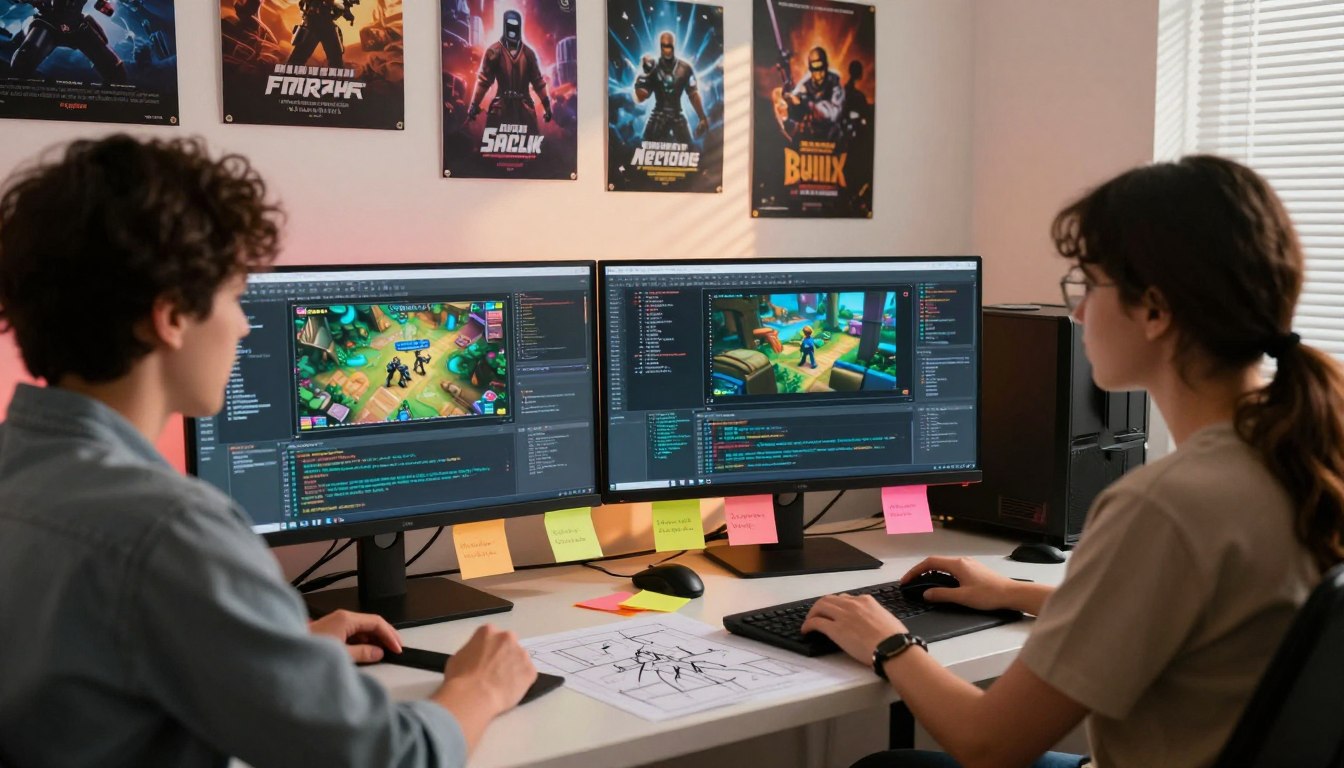
Ever dreamed of changing your favorite stories? PC game modding lets you do just that. It’s a great way to make your favorite games even better without spending more money.
This hobby adds new life to old games with unique features. You can change almost anything to fit your style. It makes playing games a truly special experience.
To make changes, you need special tools. These tools are easy to use, even for beginners. Most are free and made by fans who love modding.
It’s also important to know about security. Always back up your files before trying new things. Look for trusted sources to find fun mods for your games.
There are many online groups full of modding fans. They offer advice and share their work. Connecting with others makes modding even more enjoyable. You can find thousands of people who love to share their creations.
Exploring these creative spaces opens up a new world of gaming. Get ready to see your favorite games in a whole new way today.
Key Takeaways:
- Digital tweaks extend the life of software titles.
- Security protocols help maintain a healthy system.
- Fan groups provide vital support for creators.
What Is PC Game Modding
PC game modding lets players make their games their own. It’s about changing a game’s look, feel, or how it plays. This makes games more fun and personal.
Defining Game Modifications
Mods are changes to a game’s code, graphics, or gameplay. They can be simple tweaks or big changes. Mods can add new stories or ways to play.
Types of game modifications include:
- Visual and graphical mods that improve or alter the game’s appearance
- Gameplay mods that change how the game is played
- Content addition mods that add new levels, characters, or storylines
The History and Evolution of Modding Culture
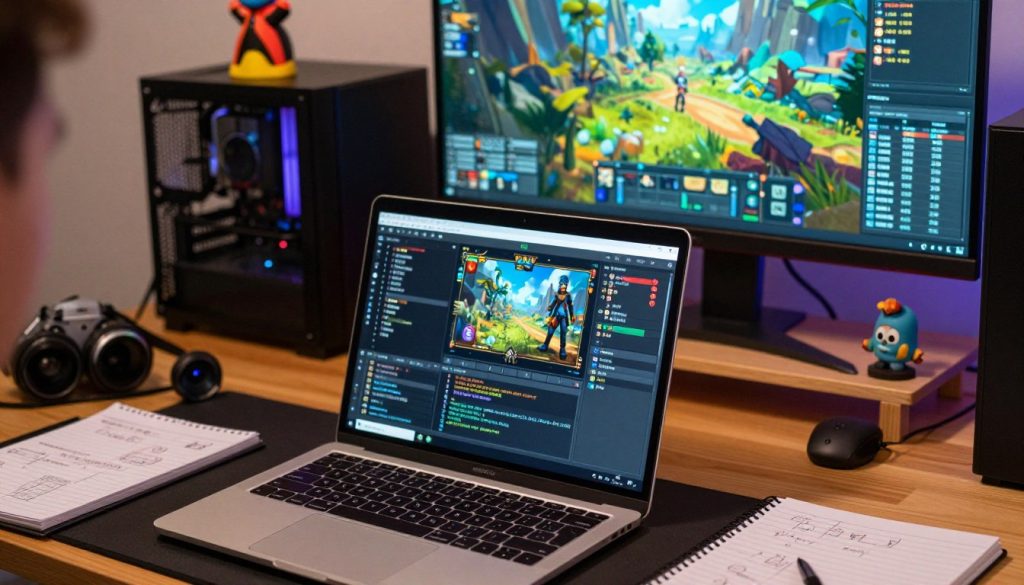
Modding has been around since the early days of PC gaming. The Doom community was a big start, with fans making and sharing custom levels. Modding has grown with new tech and game development.
| Era | Notable Games | Modding Highlights |
|---|---|---|
| Early 1990s | Doom, Quake | Custom levels and game modifications |
| Late 1990s to Early 2000s | The Elder Scrolls III: Morrowind, Half-Life | Complex mods with new gameplay mechanics |
| Present Day | Skyrim, Minecraft | High-quality, complex mods with advanced graphics and gameplay changes |
Why Players Choose to Mod Their Games
Players mod for many reasons. Some want to make an old game new again. Others fix bugs or add features. Modding is also a way to be creative and share with others.
The reasons for modding can be summarized as follows:
- To extend the game’s replay value
- To fix bugs or balance issues
- To add new content or features
- To personalize the gaming experience
Different Types of Mods You Can Install
The world of PC game modding is vast and diverse. It offers many modifications to enhance your gaming experience.
Mods can be broadly categorized into several types. Each type is designed to alter or enhance specific aspects of a game. Knowing these categories helps you find the right mods for your favorite games.
Visual and Graphics Mods
Visual and graphics mods improve or alter a game’s look. These mods can change simple textures or overhaul a game’s graphics engine.
Texture Overhauls and HD Packs
Texture overhauls and HD packs enhance in-game textures. They make games look more realistic and visually appealing.
Lighting and Weather Enhancements
Lighting and weather enhancements impact a game’s atmosphere and immersion. They add realistic lighting, weather, and time-of-day cycles.
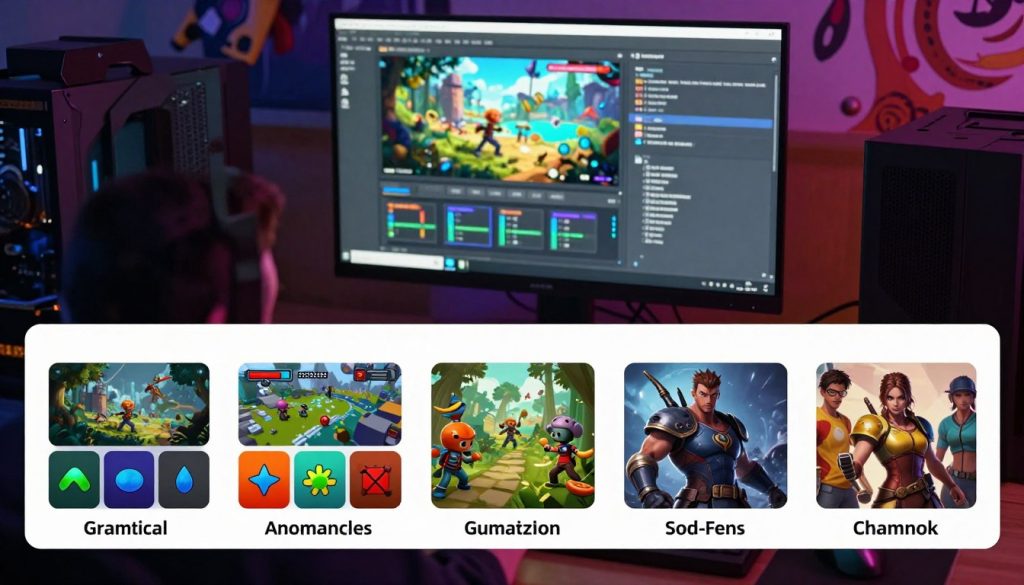
Gameplay and Mechanics Mods
Gameplay and mechanics mods change how a game is played. They can alter game mechanics, balance, or difficulty, offering a fresh experience.
Balance Changes and Difficulty Adjustments
Balance changes and difficulty adjustments make games more challenging or balanced. These mods are useful for games with repetitive or exploitative mechanics.
New Game Systems and Features
Some mods introduce new game systems or features. They expand gameplay possibilities and offer new ways to interact with the game world.
Content Addition Mods
Content addition mods add new content to a game. This includes new quests, characters, or items. They extend a game’s replay value and offer new storylines or gameplay opportunities.
New Quests and Storylines
New quests and storylines add depth and complexity to a game’s narrative. They provide players with more to explore and discover.
Additional Characters and Items
Additional characters and items enhance gameplay. They offer more options for character customization or interaction with the game world.
Quality of Life and Interface Mods
Quality of life and interface mods improve the gaming experience. They make the game’s interface more intuitive or user-friendly. These mods simplify complex menus, improve navigation, or add useful features.
How Modding Works in PC Games
To understand modding, we need to look at game files and how mods change them. Modding means tweaking or adding to the game’s code and assets. It requires knowing the game’s file structure and how its parts work together.
Understanding Game Files and Architecture
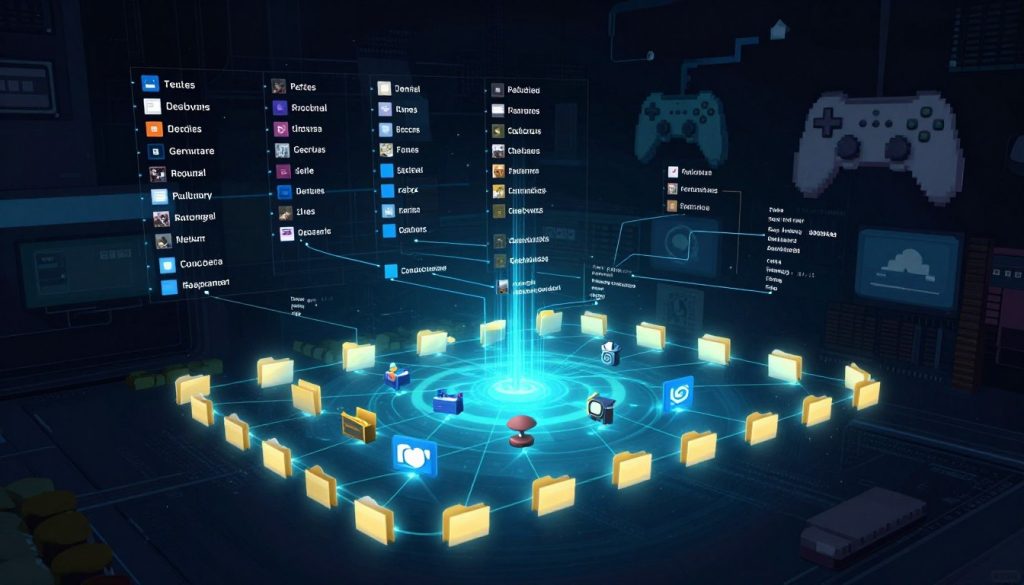
Game files are the core of any PC game. They hold everything from textures and models to game logic and settings. These files are stored in archives or folders, with formats the game engine can read.
Data Files and Asset Packages
Data files and asset packages are key parts of a game’s structure. They have game assets like 3D models, textures, and sounds. Mods often change these files to alter game content, like character looks or environment textures.
Configuration Files and Scripts
Configuration files and scripts control how the game works. They set things like difficulty levels and AI behaviors. Mods can change these files to tweak game mechanics or add new features. For instance, a mod might adjust a file to change the game’s balance or introduce new game modes.
How Mods Interact With Game Code
Mods interact with game code in different ways, allowing them to enhance or change the game. Knowing how these interactions work is crucial for making effective mods.
File Replacement Methods
One way mods work is by replacing original game files with their own versions. This can swap out textures, models, or other assets. But, it needs careful handling to avoid issues with other mods.
Script Injection and Hooks
Another method is script injection and hooks. Mods add new code to the game or attach to existing code. This lets them make complex changes, like adding new mechanics or changing old ones. Tools and APIs help with this process.
The Role of Modding APIs and Developer Support
Modding APIs and developer support are vital for making modding easier and more advanced. Official tools and guides help the community create top-notch, compatible mods.
Modding APIs provide a standard way for mods to interact with the game code. This lowers the chance of conflicts and makes complex mods easier to create. Developer support includes tools, guides, and community help, all key to a strong modding scene.
Popular PC Games With Active Modding Communities
Many popular PC games have active modding communities. These communities make the games better, adding new features and improving graphics. They also make the games more fun to play over and over again.
The Elder Scrolls V: Skyrim and Special Edition
Skyrim modding is known for its depth and complexity. There are thousands of mods that can change the game in many ways. The Special Edition has seen a lot of modding activity, thanks to its unified platform.
The Skyrim modding community is huge and always busy. Mods like “Skyrim Script Extender” and “Static Mesh Improvement Mod” make the game look better and run smoother.
Minecraft Java Edition
Minecraft modding lets players add new things to the game. The Java Edition is great for mods because it’s open and has lots of tools for modding.
Mods like “OptiFine” improve performance, and “Biomes O’ Plenty” adds new biomes. These mods show how diverse Minecraft modding can be.
Grand Theft Auto V
GTA V modding focuses on making the game look better and adding new features. Mods can change everything from textures to entire storylines.
The GTA V modding community is active. You can find many popular mods on websites like the GTA V Mods website.
The Sims 4
Sims 4 modding offers a wide range of custom content. The community is creative, with mods that can change or enhance gameplay in many ways.
Mods like “UI Cheats Extension” add new controls to the game. This shows how the community can innovate.
Fallout 4 and New Vegas
Fallout modding is a big part of the series. Both Fallout 4 and New Vegas have big modding communities. Mods can change everything from graphics to quests.
For Fallout 4, mods like “The Truth” add new stories. For New Vegas, mods like “NVSE” are key for running many other mods.
| Game Title | Modding Community Size | Types of Mods Available | Notable Mods |
|---|---|---|---|
| The Elder Scrolls V: Skyrim | Very Large | Graphics, Gameplay, Quests | Skyrim Script Extender, Static Mesh Improvement Mod |
| Minecraft Java Edition | Extremely Large | Gameplay, Graphics, Content | OptiFine, Biomes O’ Plenty |
| Grand Theft Auto V | Large | Graphics, Gameplay, Story | Various graphical and gameplay mods |
| The Sims 4 | Large | Content, Gameplay, UI | UI Cheats Extension |
| Fallout 4 and New Vegas | Very Large | Graphics, Gameplay, Quests | NVSE, The Truth |
Essential Modding Tools and Software
To start modding PC games, knowing the key tools and software is vital. Modding can range from simple texture changes to big game overhauls. The right tools can greatly improve your experience.
Mod Managers and Organizers
Mod managers are key for installing, updating, and organizing mods. They prevent mod conflicts and ensure a smooth gaming experience.
Vortex Mod Manager
Vortex is a top mod manager by Nexus Mods. It supports many games and has features like automatic installation and conflict detection.
Mod Organizer 2
Mod Organizer 2 (MO2) is great for Skyrim and Fallout modders. It offers complex mod configurations and is very flexible and compatible.
Steam Workshop Integration
For Steam games, the Steam Workshop makes mod management easy. It lets users subscribe to and manage mods right from the Steam client.
Script Extenders and Framework Tools
Script extenders and framework tools are crucial for complex mods. They let modders create advanced mods by integrating with the game engine.
Skyrim Script Extender (SKSE)
The Skyrim Script Extender (SKSE) is vital for Skyrim mods. It adds advanced scripting capabilities not available in the standard game.
Forge for Minecraft
Forge is a modding API for Minecraft. It lets mods be installed and managed, offering a framework for custom content and gameplay mechanics.
Creation and Editing Software
For creating content, various software tools are available. These include simple texture editors to complex 3D modeling software.
| Tool | Description | Use Case |
|---|---|---|
| Vortex Mod Manager | Powerful mod manager with automatic installation and conflict detection. | Managing mods for multiple games. |
| Mod Organizer 2 | Flexible mod manager with support for complex mod configurations. | Organizing mods for Skyrim and Fallout. |
| Skyrim Script Extender (SKSE) | Enables advanced scripting for Skyrim mods. | Creating complex Skyrim mods. |
Where to Find and Download Mods Safely
Downloading mods can make your games better, but you must get them from safe places. The web has many sites with mods, but not all are trustworthy.
Trusted Modding Websites and Platforms
Some websites are top choices for mod downloads. They offer many mods and ensure they are safe and good quality.
Nexus Mods
Nexus Mods is a big and respected mod community. It has lots of mods for many games in a safe and easy-to-use place.
ModDB and CurseForge
ModDB and CurseForge are also well-known. ModDB has a huge mod database. CurseForge is great for Minecraft mods, but also has mods for other games.
Steam Workshop
The Steam Workshop is good for Steam games. It lets developers share mods on Steam, making sure they are checked and safe.
| Platform | Primary Games Supported | Notable Features |
|---|---|---|
| Nexus Mods | Skyrim, Fallout, etc. | Large community, mod managers |
| ModDB | Various PC games | Extensive mod database |
| CurseForge | Minecraft, WoW, etc. | Large collection of Minecraft mods |
| Steam Workshop | Steam games | Direct integration with Steam |
Official Game Forums and Developer Sites
Many game developers have official forums or sections for mods. These are great places to find mods that the game makers support.
Community Discord Servers and Subreddits
Discord servers and subreddits for games or modding communities are also good. They let modders share their work and users find and talk about mods.
By using these trusted sources, you can lower the risks of downloading mods. This way, you can enjoy a safer and better gaming experience.
Installing Your First Mod Step by Step
Starting your modding journey means installing your first mod. It might seem hard, but with the right help, it’s easy.
Preparing Your Game for Modding
Before you start modding, you need to get your game ready. This makes sure everything goes smoothly.
Backing Up Original Game Files
First, back up your original game files. This step helps avoid problems later on. It lets you go back to how your game was if something goes wrong.
- Find where your game is installed.
- Make a copy of everything to a safe place.
Checking Game Version Compatibility
Next, check if your game version matches the mod. Mods work best with certain game versions. Using a wrong version can cause issues.
- Look at your game’s version in its settings or menu.
- Make sure the mod works with your version on its download page.
Manual Installation Process
With your game ready, you can start installing your mod. This process has a few important steps.
Extracting and Placing Files
Most mods are in ZIP or RAR. You’ll need to extract these files to your computer.
- Use a tool like 7-Zip to unpack the mod files.
- Put the unpacked files in your game’s mod folder, as the instructions say.
Editing Configuration Files
Some mods need you to edit configuration files. This might mean changing settings or turning the mod on.
| File Type | Action Required | Common Editors |
|---|---|---|
| .ini | Edit settings | Notepad, Notepad++ |
| .xml | Modify configurations | Notepad++, XML Editor |
| .cfg | Adjust preferences | Notepad, TextEdit |
Verifying Mod Installation Success
After you install, make sure the mod works. You can check in-game or with a mod manager.
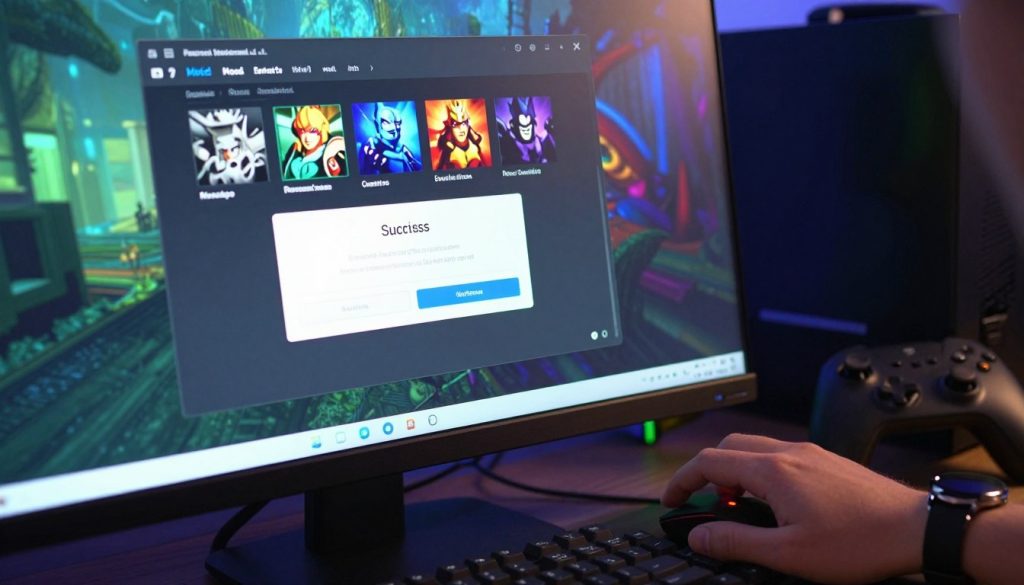
By following these steps, you can make sure your mod installs right. Then, you can enjoy your game more with the mod’s features.
Using Mod Managers to Simplify Installation
Mod managers are changing the game for PC modders. They make installing mods easier and reduce conflicts. These tools help manage and organize mods well.
Setting Up Vortex for the First Time
Vortex is a popular mod manager from Nexus Mods. It’s known for its easy-to-use interface and strong features. To use Vortex, download and install it from the Nexus Mods website.
Connecting to Nexus Mods
Vortex works well with Nexus Mods, a big modding platform. Connect your Nexus Mods account to Vortex. This lets you download and install mods directly from the app.
Adding Games to Vortex
To manage mods for a game, add it to Vortex. It supports many games. You can add a game by choosing it from Vortex’s list or by manually entering its installation directory.
Installing Mods Through Mod Organizer 2
Mod Organizer 2 is another top mod manager. It has advanced features for managing mods. It uses a virtual file system to prevent mod conflicts.
Virtual File System Benefits
The virtual file system in Mod Organizer 2 keeps your game’s original files safe. It makes trying out different mods safer. It also makes uninstalling mods easier.
Profile Management Features
Mod Organizer 2 also has profile management features. You can create different mod setups for the same game. This is great for testing mods or switching between gaming experiences.
One-Click Installation From Websites
Many modding websites now offer one-click installation. This works well with mod managers like Vortex. You can install mods with just one click, from the website to your mod manager.
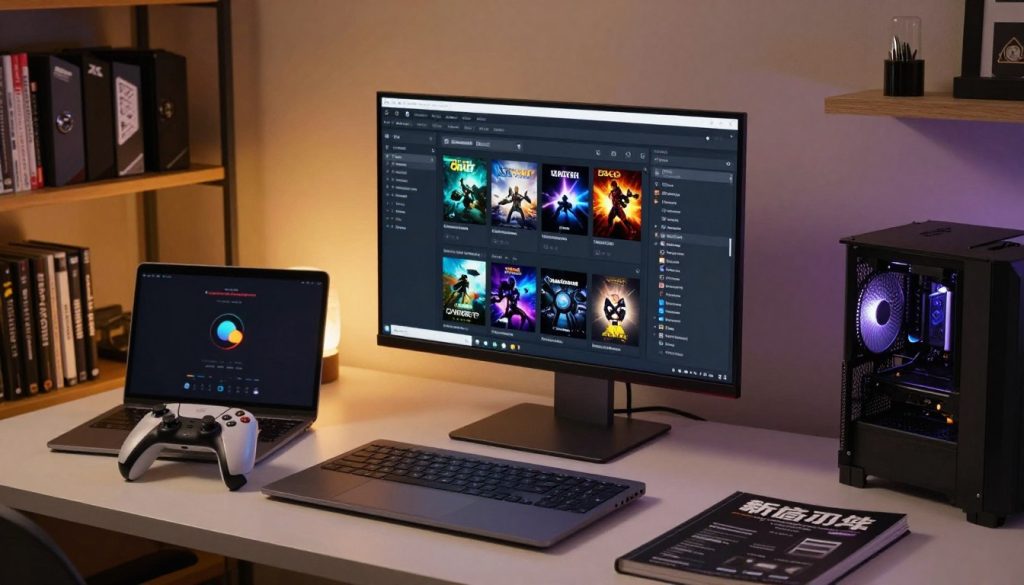
Mod managers make modding on PC easier and more fun. Whether you’re new or experienced, tools like Vortex and Mod Organizer 2 make installing and managing mods simpler.
Understanding Mod Load Orders and Conflicts
Modding PC games requires knowing about load orders for a smooth experience. Mods change a game’s look, feel, or gameplay. The order in which these mods load can affect how they work together.
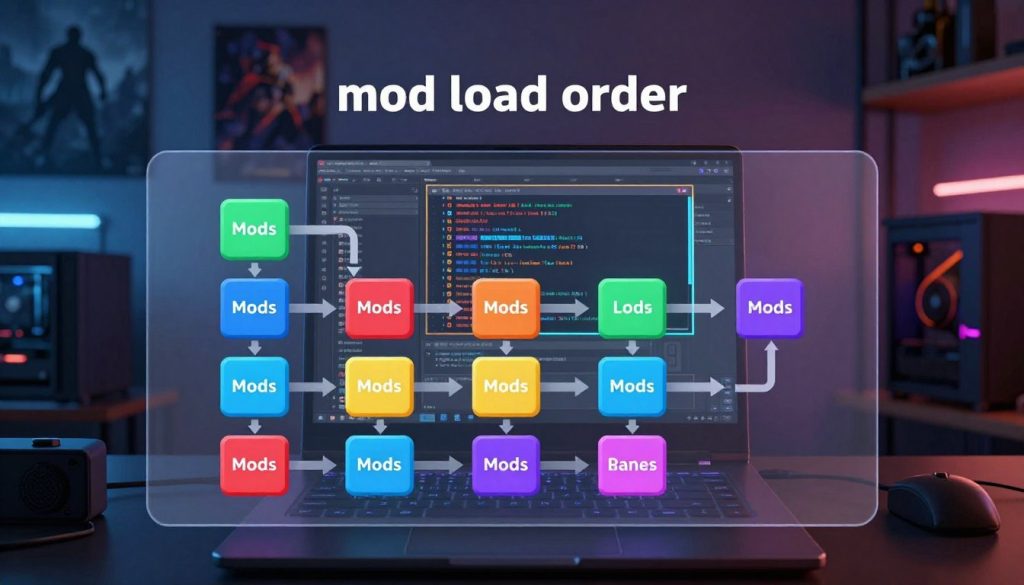
What Is Load Order and Why It Matters
The load order is the order mods are loaded into a game. This order is key because it decides how mods interact. A later mod can change what an earlier one did. So, managing the load order is vital to avoid problems and ensure mods function right.
Key aspects of load order include:
- Determining the priority of mods
- Preventing unintended overwrites of game data
- Ensuring compatibility between mods
Detecting and Resolving Mod Conflicts
Mod conflicts happen when mods try to change the same thing, causing issues. Finding these conflicts is key for a good gaming experience.
Identifying Conflicting Files
To spot conflicting files, players can use mod managers or check directories manually. Mod managers often show conflicts based on mods’ info and load order.
Using Conflict Resolution Tools
Tools for resolving conflicts help manage issues. They can find conflicts and suggest fixes or let you adjust the order manually.
Using LOOT and Automatic Sorting Tools
LOOT (Load Order Optimization Tool) is a top choice for managing mods. It checks for conflicts and suggests the best order based on mods’ needs.
Benefits of using LOOT include:
- Automated conflict detection
- Optimized load order suggestions
- Simplified mod management
Creating Compatibility Patches
At times, you need to make patches for mods that don’t work together. These patches fix specific issues by adjusting how mods interact.
Steps to create a compatibility patch include:
- Identifying the conflicting mods and their specific issues
- Analyzing the mods’ code and data to understand the conflict
- Creating a new mod that resolves the conflict by adjusting or merging the conflicting changes
Safety Risks and How to Protect Your System
Modding can make your games better, but it also has risks. You might download files that have malware or viruses.
Malware and Virus Threats in Mods
Mods can let malware and viruses into your system. These can harm your data, mess up your system, or even make your computer unusable.
Common Red Flags to Watch For
Be careful when downloading mods. Watch for red flags like bad grammar, no reviews, or too many downloads quickly.
Executable Files and Scripts
Be extra careful with mods that have .exe files or scripts. These can have malware. Always scan them first.
Scanning and Vetting Downloads
Scanning and checking your downloads is key. Use good antivirus software to scan all files before you install them.
Using Windows Defender and Antivirus Tools
Windows Defender and other antivirus tools can find and remove malware. Make sure your antivirus is up-to-date and scans all downloads.
Checking File Integrity and Signatures
Check the digital signatures of your downloads. This ensures the files are safe and haven’t been changed during download.
Backing Up Your Game Files Regularly
Backing up your game files often can save your progress. Use external drives or cloud storage for your backups.
Using Sandboxing and Isolated Environments
Think about using sandboxing or isolated environments for new mods. This keeps malware from your main system.
Legal Considerations and Terms of Service
PC game modding is getting more popular. It’s important to know the legal side of it. Modding deals with copyright laws, intellectual property rights, and game terms.
Understanding Game Developer Policies on Modding
Game developers have different views on modding. Some support it with tools and APIs. Others don’t allow it at all.
Games That Encourage Modding
Games like The Elder Scrolls V: Skyrim and Minecraft have big modding communities. They give official tools for mod making. This shows how modding can make games last longer and keep players interested.
Games With Strict Anti-Modification Rules
Games like Overwatch and League of Legends don’t allow modding. They worry about fair play and game integrity.
| Game Title | Modding Policy | Official Mod Support |
|---|---|---|
| The Elder Scrolls V: Skyrim | Encouraged | Yes |
| Minecraft | Encouraged | Yes |
| Overwatch | Strictly Prohibited | No |
| League of Legends | Strictly Prohibited | No |
Copyright and Intellectual Property Issues
Modding brings up big questions about copyright and intellectual property. Mods using game assets without permission can break copyright laws. This might lead to legal trouble.
Fair use laws might help modders, but it depends on the mod and where you are.
Multiplayer and Online Restrictions
Modding online can be tricky. Many games have strict rules against modding in multiplayer. This is to keep play fair.
Risk of Bans in Online Games
Using mods online can get you banned. Games like Fortnite and Rainbow Six Siege have strong anti-cheating measures. They can catch and punish mod users.
Separate Installations for Modded Play
To stay safe, many modders have two game setups. One for online play and another for modded, offline play.
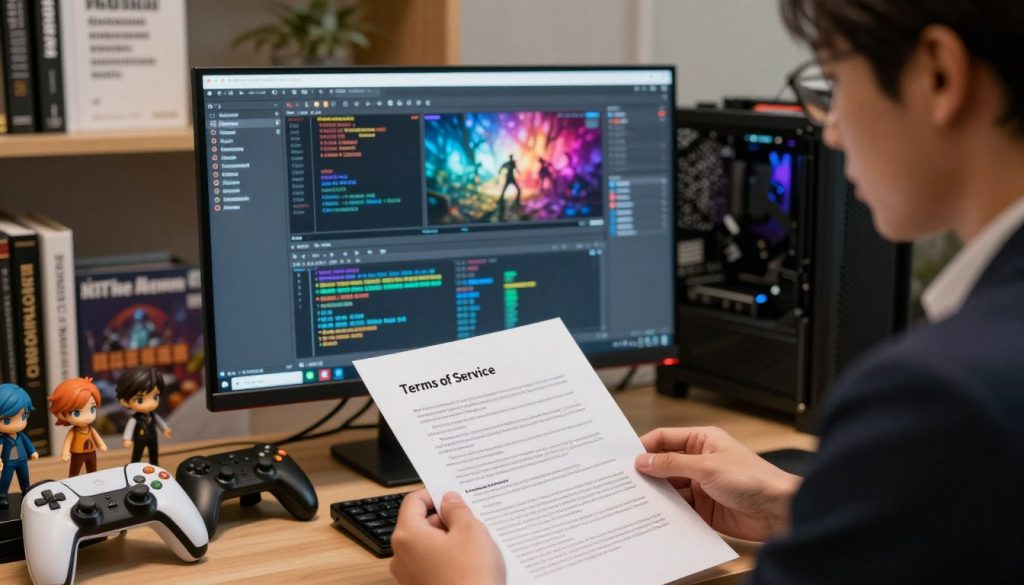
Knowing the legal side of modding is key for modders. By following game rules and understanding the law, modders can enjoy their hobby safely.
Joining Modding Communities and Forums
Joining a modding community can change your PC gaming experience. You’ll find lots of knowledge, new friends, and fun. The modding world is full of active communities that make gaming better.
Reddit Communities for Modders
Reddit is a goldmine for modders. It has many subreddits for different games and modding. These places are great for finding mods, solving problems, and sharing experiences.
Game-Specific Subreddits
Many games have their own subreddits for mods. For example, r/skyrimmods and r/fo4mods are hubs for The Elder Scrolls V: Skyrim and Fallout 4 modders.
r/modding and General Communities
There are also general modding communities like r/modding. They let modders share, get feedback, and work together. These communities are perfect for learning new things and keeping up with trends.
Discord Servers and Real-Time Support
Discord servers are key in the modding world. They offer support and a place to meet. Many communities have their own Discord servers for help, sharing, and teamwork.
Finding Active Modding Discords
To find a Discord server, search on Discord.me or check official websites or subreddits.
Getting Help From Experienced Modders
Discord servers are great for getting help from experts. You can solve mod problems or get advice on making mods. These communities are very supportive.
Nexus Mods Community Features
Nexus Mods is a big modding platform. It has forums, endorsements, and comments. These features help modders share, get feedback, and meet others.
Contributing Feedback and Bug Reports
It’s important to give feedback and report bugs in modding communities. This helps modders improve and make better mods for everyone.
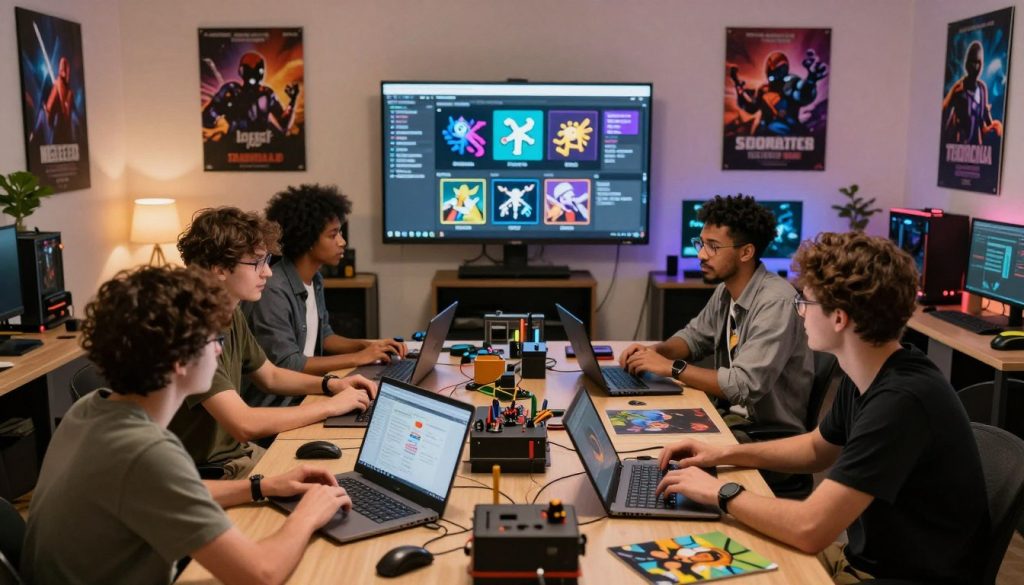
Being part of modding communities makes gaming better and more fun. You’ll find lots of help and friendship on Reddit, Discord, and Nexus Mods.
Creating Your Own Mods: Getting Started
Starting to make your own mods can be very rewarding. It lets you make your games your own in new ways. Modding can also make your games more fun and open up creative possibilities.
Learning the Basics of Mod Creation
To begin making mods, you need to learn the basics. This means understanding the game engine and the tools that go with it.
Understanding Game Engines and Tools
Game engines are key to any game, helping developers build on them. Knowing the engine of your favorite game is important. For example, Bethesda games use the Creation Engine.
Key aspects to understand about game engines include:
- The architecture and how it supports modding.
- The tools provided by the developers for mod creation.
- Community resources and documentation available.
Programming and Scripting Fundamentals
Many mods need programming or scripting skills. Knowing languages like C++ or game-specific scripts (like Papyrus for Bethesda games) is crucial.
Some key programming concepts for modding include:
- Variables and data types.
- Control structures (if-else statements, loops).
- Functions and event handling.
Choosing the Right Development Tools
The right tools can make modding much easier. Different games and mods need different tools.
Creation Kit for Bethesda Games
The Creation Kit is essential for Bethesda games like Skyrim and Fallout. It lets modders create and edit game content, from characters to quests.
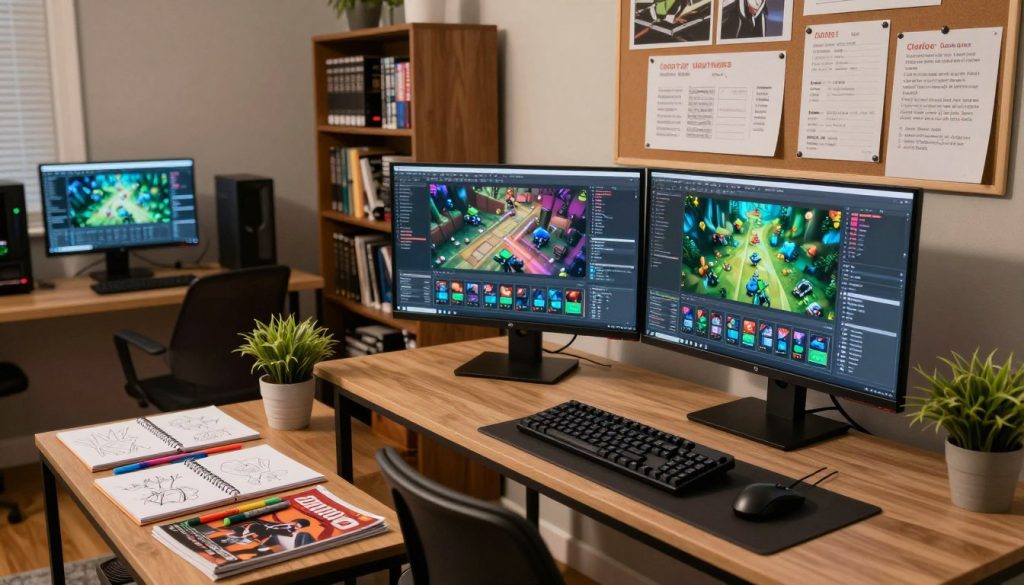
Games built on Unity or Unreal Engine also have great tools for custom content. Unity, for example, is popular and has a big community of developers.
Benefits of using these engines include:
- Cross-platform support.
- Extensive documentation and community resources.
- A wide range of asset stores and plugins available.
Tutorials and Educational Resources
There are many resources for learning mod creation. You can find official guides, community tutorials, and more.
Some recommended resources include:
- Nexus Mods’ guides and tutorials.
- Official game forums and developer websites.
- YouTube channels dedicated to modding.
Publishing Your First Mod to Nexus Mods
Sharing your mod with others can be very rewarding. Nexus Mods is a big platform for sharing mods.
Steps to publish your mod include:
- Creating an account on Nexus Mods.
- Preparing your mod files and documentation.
- Uploading your mod and filling out the necessary details.
Best Practices for a Stable Modded Game
Modding can make PC gaming even better. But, to have a stable modded game, you need to plan and execute carefully. It’s key to follow best practices to avoid crashes and glitches.
Reading Mod Descriptions and Requirements Carefully
Always read the mod descriptions and requirements before installing. This helps you know what the mod does and if it works with your game version. You’ll also find out how to install it correctly.
Checking Dependencies and Prerequisites
Many mods need other mods or software to work right. Always check the dependencies and prerequisites in the mod description. This avoids compatibility problems.
Understanding Version Compatibility
Make sure the mod fits your game version. Using a mod for the wrong version can cause problems or crashes.
| Mod Compatibility Check | Description | Action Required |
|---|---|---|
| Game Version | Check if the mod is compatible with your game version. | Verify version compatibility before installation. |
| Dependencies | Identify any required mods or software. | Install required dependencies. |
| Prerequisites | Check for any specific prerequisites. | Meet the prerequisites before installing the mod. |
Starting With Few Mods and Expanding Gradually
Start with a few mods and add more slowly. This way, you can find out which mods cause problems. It makes troubleshooting easier.
Keeping Mods Updated and Maintained
Regularly update your mods for the latest features and bug fixes. Old mods can cause problems and instability.
Creating Separate Game Profiles for Different Setups
Use separate game profiles for different mod setups. This lets you switch easily and test new mods without messing up your main game.
By following these best practices, you can enjoy a stable modded game. It will enhance your gaming without hurting performance or stability.
Troubleshooting Common Modding Problems
Fixing common problems in PC game modding is crucial. Modding can make games better, but it can also cause issues. Knowing how to solve these problems is important.
Game Crashes and Freezing Issues
Game crashes and freezing are frustrating for modders. These problems can come from many sources. This includes mods that don’t work well together, outdated mods, or game updates.
Reading Crash Logs and Error Messages
Crash logs and error messages are key to finding the cause of game crashes. They give detailed info about the error. This helps modders find the problem mod or file.
To understand crash logs, look for “error” or “exception”. Then, check the mods or files mentioned.
Disabling Mods to Isolate Problems
Disabling mods one by one is a good way to find the problem. Start by turning off all mods. Then, turn them back on one by one to see which one causes the issue.
Missing Textures or Purple Assets
Missing textures or purple assets are visual problems. They happen when mods change game graphics. These issues often come from mods that don’t work well with the game.
To fix missing textures, make sure all graphics mods are up to date. They should also be compatible with the game’s current version.
Performance Degradation and Low FPS
Performance problems and low FPS can ruin the gaming experience. These issues can be caused by mods that are too demanding. This includes mods that change graphics or add complex mechanics.
Optimizing Graphics Mods
Improving graphics mods can help with performance. Try reducing detail levels or disabling non-essential mods. This can make the game run smoother.
Memory Management Solutions
Increasing the game’s memory can also help with performance. Many mod managers let you adjust memory settings.
| Issue | Common Cause | Solution |
|---|---|---|
| Game Crashes | Incompatible mods or outdated mod versions | Update mods, check for conflicts |
| Missing Textures | Incompatible or outdated graphics mods | Update graphics mods, ensure compatibility |
| Low FPS | Demanding mods, insufficient memory allocation | Optimize graphics mods, increase memory allocation |
Where to Get Help and Technical Support
For modding problems, the community is a great resource. Online forums, Discord servers, and websites like Nexus Mods offer help and advice.
Don’t be afraid to ask for help when you’re stuck. The modding community is very supportive and ready to help.
The Future of PC Game Modding
The future of PC game modding is looking bright. It will be shaped by developer support and new technologies. The modding community is on the verge of big changes. These changes will affect how mods are made, shared, and added to games.
Increased Developer Support and Official Mod Tools
Game developers are now supporting modding more than ever. They see the value of modding communities. This includes longer game lifespans and more player engagement.
Official modding tools make creating mods easier. They ensure mods work well with the game and don’t cause problems. Developers provide SDKs, APIs, and modding platforms to help.
Emerging Technologies and AI in Modding
Artificial Intelligence (AI) is changing modding. AI can help with mod creation, making it easier for everyone. It helps both new and experienced modders.
AI-Generated Content and Assets
AI is creating textures, models, and game mechanics. This reduces the work for modders. It also opens up new creative options.
Automated Mod Creation Tools
AI is also creating tools for making mods. These tools automate tasks, suggest improvements, and even make simple mods. They help modders a lot.
Monetization and the Creator Economy
The future of modding will also focus on making money. As the creator economy grows, modders want to earn from their work.
Paid Mods and Donation Systems
Platforms are looking into paid mods. Modders can sell their work directly to players. Donation systems are also becoming common, letting players support their favorite modders.
Bethesda Creation Club Model
The Bethesda Creation Club model is another way to make money. It lets modders sell their mods through an official platform. The revenue is split between the modder and the developer.
Conclusion
The world of PC game modding is vast and full of possibilities. Gamers can make their games better by changing game files. This lets them add new things or change how the game works.
Knowing about different mods and how to use them can make gaming more fun. Games like Skyrim, Minecraft, and Grand Theft Auto V have lots of mods. These mods can change how the game looks or works.
It’s important to get mods from safe places to avoid problems. Using mod managers and saving game files helps too. As modding grows, we’ll see more support from developers and new ways to create.
This summary shows the main points of modding. It invites players to explore PC game modding. This can make their gaming even better.
