












Choosing the right productivity suite is a big deal. You need tools that work well without problems. Many are looking at the move from older to newer software to see the real benefits.
Let’s get into this software analysis to help you choose. The 2019 version was great for years, but things have changed. It’s important to know if the new version is worth the cost for you or your business.
Deciding between these two options depends on your needs for speed and seamless teamwork. The latest Microsoft 2021 release has new features to help teams and solo creators work better. You might notice the interface feels more modern and smooth.
How these updates change your daily tasks is crucial. We’ll look at the main changes to make sure you get the best value for your money. Taking the time to check your tech stack can save you a lot of trouble later.
1. What’s the Difference Between Office 2019 and 2021?
Microsoft Office has changed a lot from 2019 to 2021. There are many new features and updates. These changes are not just about looks; they also improve how you work, keep your data safe, and collaborate with others.
The main difference is in how you get and update the software. Office 2019 is bought once and then you’re done. Office 2021 also has a one-time purchase option, but it has some different licensing rules. Knowing these differences helps you choose the right version for you or your business.
The tools in Office 2021 have gotten a lot better. For example, Microsoft Word, Excel, and PowerPoint now have new features. These make working and showing off your work easier and more fun.
- New Features in Word: Improved dark mode, enhanced accessibility checker, and better dictation capabilities.
- Excel Updates: Introduction of new functions like XLOOKUP and dynamic arrays, enhancing data analysis capabilities.
- PowerPoint Enhancements: Improved presenter tools and better integration with other Microsoft tools.
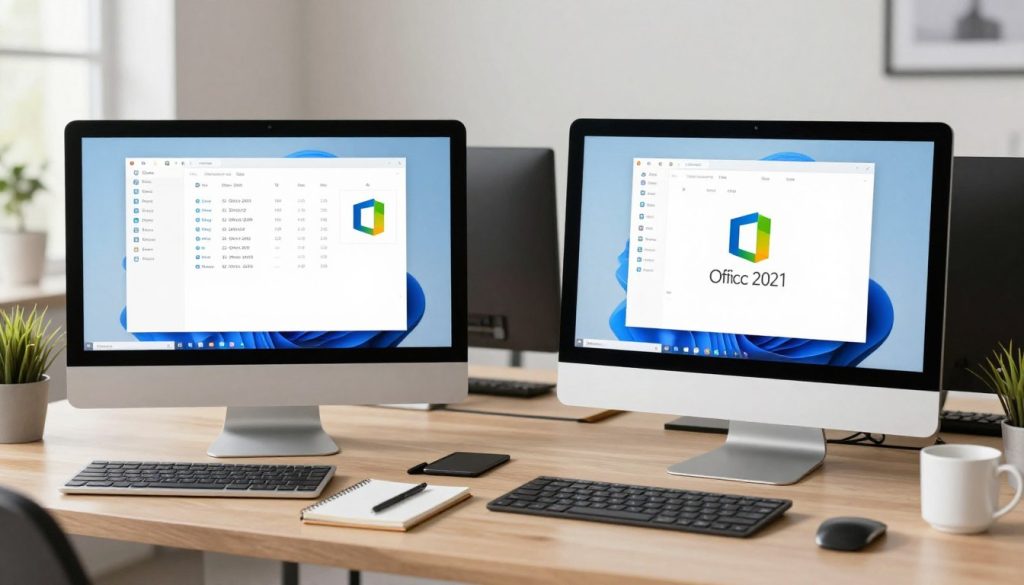
These updates are a big step up in what you can do and how you feel using the software. Knowing these changes helps you pick the best Microsoft Office for your needs.
In the next parts, we’ll look closer at these changes. We’ll talk about licensing, updates to specific apps, and other important differences.
2. Licensing and Update Models: Perpetual vs One-Time Purchase
Choosing between Office 2019 and 2021 means looking at their licensing and update models. Both offer a perpetual license, meaning you buy it once and use it forever. Yet, their licensing structures and support lifecycles differ significantly.
2.1. Office 2019 Licensing Structure
Office 2019 uses a perpetual license model. You buy it once and own it forever, without needing a subscription. It’s great because you won’t face extra costs. But, it doesn’t get new features or updates, only security patches and bug fixes.
2.2. Office 2021 Licensing Structure
Office 2021 also has a perpetual license model. It’s a one-time purchase, and you can use it without a subscription. Like Office 2019, it doesn’t get new features, but it does get security updates and bug fixes. The main difference is its longer support lifecycle and possibly new features at release.
2.3. Support Lifecycle Differences
The support lifecycle is key to consider. Office 2019 and 2021 have different support periods. Mainstream support includes new features, design changes, and security updates. Extended support focuses on security updates and bug fixes.
Support Lifecycle Comparison:
| Office Version | Mainstream Support | Extended Support |
|---|---|---|
| Office 2019 | Until October 2023 | Until October 2025 |
| Office 2021 | Until October 2026 | Until October 2031 |
Office 2021 has a longer support lifecycle than Office 2019. This means more time for security updates and bug fixes.
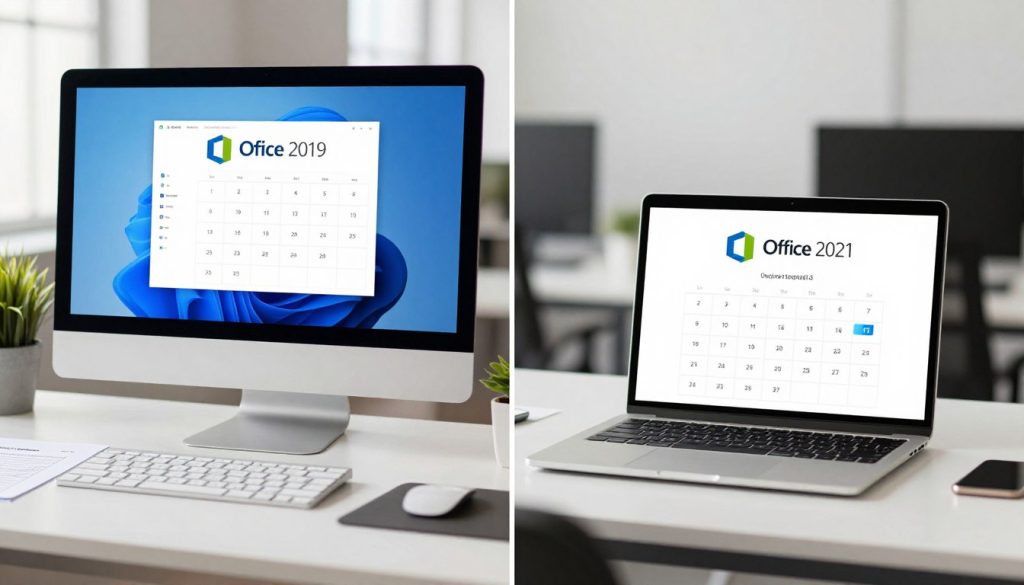
It’s important to understand these differences. This helps individuals and organizations choose the best version for their needs.
3. Microsoft Word: New Features in Office 2021
The latest version of Microsoft Word, part of Office 2021, brings new features. These features make creating and editing documents easier and more fun. Let’s explore what’s new and how it helps you.
Dark Mode Support
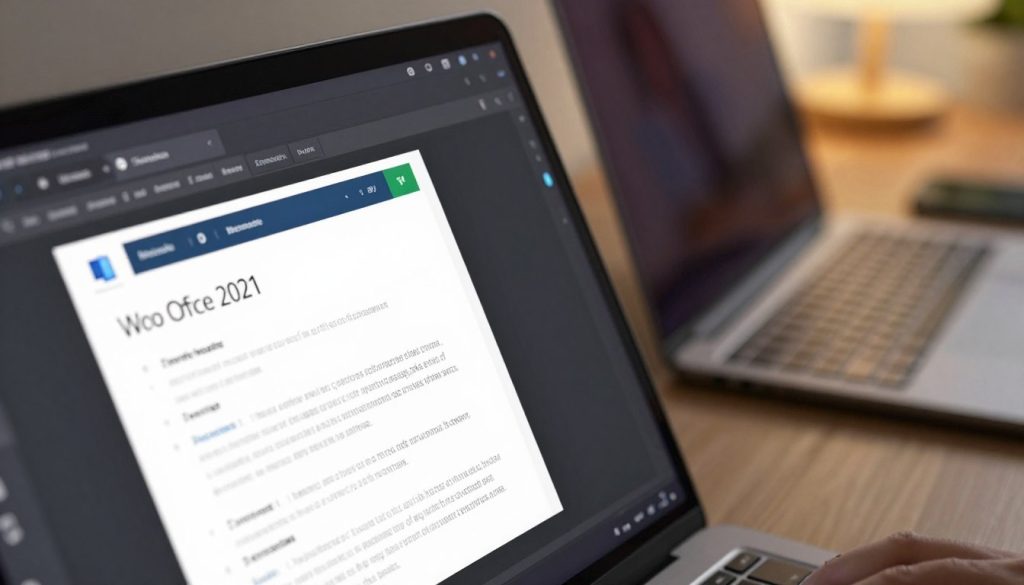
Microsoft Word in Office 2021 now supports dark mode. This means you can work well even in dim light. It’s easier on your eyes and makes working more comfortable.
Line Focus and Reading Mode Improvements
The line focus feature has gotten better. It helps you stay focused on your work. Reading mode has also improved, giving you a clean space to read documents without distractions.
Accessibility Checker Enhancements
The accessibility checker has been updated. Now, it gives more detailed feedback on making documents accessible. This helps make sure everyone can use your documents.
Dictation and Voice Commands
Dictation and voice commands have seen big improvements. They make writing and editing documents faster and easier. This is great for those who like using their voice or need help writing.
| Feature | Office 2019 | Office 2021 |
|---|---|---|
| Dark Mode | Limited functionality | Full support |
| Line Focus | Basic functionality | Enhanced focus modes |
| Accessibility Checker | Basic checks | Advanced feedback and suggestions |
| Dictation and Voice Commands | Available but limited | Improved accuracy and functionality |
Microsoft Word in Office 2021 has many new features. These features make your work easier and more accessible. They help you be more productive and efficient.
4. Excel Improvements in Office 2021
Office 2021 makes big changes to Excel, making data analysis easier. These updates help with complex tasks, making them simpler and faster.
4.1. XLOOKUP Function
The XLOOKUP function is a new tool in Excel. It makes finding data in tables or ranges easier. It’s better than VLOOKUP in many ways.
4.1.1. How XLOOKUP Replaces VLOOKUP
XLOOKUP is more flexible and powerful than VLOOKUP. Key benefits include:
- Searching for values in any column
- Returning values from any column
- Handling errors more effectively
4.1.2. Practical Applications
XLOOKUP is useful in many situations, such as:
- Retrieving data from a database
- Performing lookups in large datasets
- Simplifying complex formulas
4.2. Dynamic Arrays
Dynamic arrays are a key feature in Excel 2021. They make working with array formulas more efficient.
4.2.1. Spill Functionality
The spill functionality lets formulas expand to fill cells. This makes working with arrays easier.
4.2.2. New Array Functions
Excel 2021 has new array functions. These improve how you manipulate and analyze data.
4.3. LET and LAMBDA Functions
The LET and LAMBDA functions are new. They make formulas easier to read and reuse.
LET lets you define variables in formulas. This makes complex calculations clearer.
LAMBDA allows you to create custom functions. This boosts Excel’s flexibility.
4.4. New Chart Types and Visualization Tools
Excel 2021 has new charts and tools for better data display.
New chart types include:
- Dynamic charts that update automatically
- Enhanced visualization options for better data representation
5. PowerPoint Enhancements and Updates
Microsoft has made big changes to PowerPoint in Office 2021. It now has new features and improvements. These updates help make presentations better and more fun to watch.
5.1. Presenter Coach
Presenter Coach is a key feature in PowerPoint 2021. It helps you get better at presenting. It gives you feedback on your speed, tone, and words, so you can improve.
5.2. Recording Studio Improvements
The recording studio in PowerPoint 2021 has gotten a lot better. Now, it’s easier to make top-notch video presentations. You can edit audio and video better, making your presentation look great.
5.3. Stock Images, Icons, and 3D Models Library
PowerPoint 2021 has a bigger library of stock images, icons, and 3D models. This means you can make your presentations look professional without using outside sources.

5.4. Cameo and Video Integration Features
The Cameo feature in PowerPoint 2021 lets you add live or recorded video of yourself to slides. This makes your presentations more engaging and personal. It’s great for online presentations and training.
To show how PowerPoint 2021 has improved, let’s look at some key features:
| Feature | Office 2019 | Office 2021 |
|---|---|---|
| Presenter Coach | Not Available | Available |
| Recording Studio | Limited Features | Enhanced Features |
| Stock Images and 3D Models | Limited Library | Expanded Library |
| Cameo and Video Integration | Limited Integration | Enhanced Integration |
These updates make PowerPoint 2021 a more powerful tool for making presentations that grab attention and get the point across.
6. Outlook Changes and New Capabilities
Outlook in Office 2021 has been updated with new features. These changes make email and calendar management easier. They aim to boost productivity and make using Outlook more enjoyable.
Improved Search Functionality
The search in Outlook 2021 has gotten a lot better. Now, finding emails, contacts, and events is quicker. This is great for those with lots of emails to manage.
Key Features of Improved Search:
- Enhanced indexing for faster results
- Better filtering options to narrow down search results
- Integration with other Microsoft tools for a more comprehensive search experience
Calendar Management Enhancements
Outlook 2021 has also improved calendar management. These updates make setting up meetings and managing appointments easier.
| Feature | Description | Benefit |
|---|---|---|
| Improved Meeting Scheduling | Easier scheduling with suggested meeting times | Saves time and reduces back-and-forth communication |
| Enhanced Calendar Views | More customizable views for better organization | Helps in planning and visualizing schedules more effectively |
Email Organization and Focused Inbox
Email organization is a big focus in Outlook 2021. The Focused Inbox feature is a key part of this. It helps users focus on important emails, cutting down on clutter and boosting productivity.

With these new features, users can greatly improve their email management and productivity.
7. System Requirements and Compatibility
Upgrading to Office 2021? Knowing the system needs and compatibility is key. Make sure your device fits these specs for the best experience.
Windows Operating System Requirements
Office 2021 works with Windows 10 and 11. For the best results, keep your system up to date. You can choose between the 64-bit or 32-bit version, depending on your system.
Mac Operating System Requirements
Mac users, Office 2021 supports macOS Big Sur (11) or later. Make sure your Mac is running the right OS to avoid problems.
Hardware Specifications and Processor Support
Office 2021 needs a certain processor, enough RAM, and storage. A 1 GHz or faster processor is needed. For the 32-bit version, 2 GB of RAM is recommended. The 64-bit version needs 4 GB of RAM.
Storage and Memory Requirements
You’ll need at least 4 GB of free disk space for installation. A solid-state drive (SSD) is best for performance. Here’s a quick summary of what you need for Office 2021:
| Component | Requirement |
|---|---|
| Operating System | Windows 10/11 or macOS Big Sur (11) or later |
| Processor | 1 GHz or faster |
| RAM | 2 GB (32-bit) or 4 GB (64-bit) |
| Storage | 4 GB of free disk space |

By checking these system requirements, you’ll get the most out of Office 2021.
8. Performance and Speed Improvements
Microsoft has made Office 2021 faster and more efficient. It offers performance improvements and speed enhancements for all users. These changes make using the applications smoother.
Application Launch and Load Times
Office 2021 launches applications quicker. This means you can start working faster. It’s great for those who open and close apps often.
Large File Processing Capabilities
Office 2021 handles big files better. Whether it’s complex spreadsheets or large documents, large file processing is improved. This results in faster file loading and better performance overall.
Resource Usage and Optimization
Microsoft has optimized resource usage in Office 2021. The apps use less resources, making them run smoother, even on older computers. This also helps save battery life on mobile devices.
The table below shows the main performance upgrades in Office 2021 compared to Office 2019:
| Feature | Office 2019 | Office 2021 |
|---|---|---|
| Application Launch Times | Average launch time: 5-7 seconds | Average launch time: 2-4 seconds |
| Large File Processing | Slow loading times for very large files | Significant reduction in loading times |
| Resource Usage | Higher resource consumption | Optimized for lower resource usage |

These upgrades make Office 2021 a great choice for those looking for better performance. It offers a more efficient and productive experience.
9. Security and Privacy Updates
Microsoft Office 2021 has big updates for security and privacy. These changes help users stay safe and private online. They make it easier to create, edit, and share documents securely.
Advanced Encryption Standards
Office 2021 uses top-notch encryption to keep data safe. Enhanced encryption protocols keep your info private and safe from hackers.
With industry-standard encryption, Office 2021 is more secure than before. This gives users confidence when dealing with sensitive data.
Data Loss Prevention Features
Office 2021 has DLP features to protect sensitive info. DLP policies help stop the sharing of confidential data. This lowers the chance of data breaches.
These tools are great for companies that deal with sensitive client info. They also help with strict data protection rules.
Privacy Controls and Compliance
Office 2021 has better privacy controls for managing data privacy. These controls let users customize their privacy settings. They also help follow data protection laws.
Admins can use these tools to follow company policies. They make sure user data is handled right, following the law.
Protection Against Malware and Phishing
Office 2021 has better malware and phishing protection. It fights off new cyber threats. Advanced threat protection is built into Office 2021 to catch and stop security risks.
These updates are key in today’s online world. Phishing and malware attacks are getting smarter and more common.

10. Microsoft Office 2019 vs 2021: Pricing Comparison
Choosing between Microsoft Office 2019 and Office 2021 affects your budget. Both versions have different pricing models. This can help you decide which one is best for you.
Office Home and Student Pricing
The Office Home and Student edition meets basic office needs. It comes with Word, Excel, and PowerPoint.
Office 2019 Home and Student costs about $149.99 for a one-time purchase. Office 2021 Home and Student is priced at around $159.99 for the same option.
Office Home and Business Pricing
The Office Home and Business edition is for small businesses. It includes Word, Excel, PowerPoint, and Outlook.
Office 2019 Home and Business costs about $249.99 for a one-time purchase. Office 2021 Home and Business is priced at about $269.99 for a one-time purchase.
Office Professional Pricing
The Office Professional edition is the most complete. It includes all Home and Business apps plus Publisher and Access.
Office 2019 Professional costs around $439.99 for a one-time purchase. Office 2021 Professional is priced at about $459.99 for a one-time purchase.
Long-Term Cost Analysis
Think about long-term costs, including upgrades and support. Also, consider any extra features or apps you might need.
| Edition | Office 2019 Price | Office 2021 Price |
|---|---|---|
| Home and Student | $149.99 | $159.99 |
| Home and Business | $249.99 | $269.99 |
| Professional | $439.99 | $459.99 |
The initial price difference between Office 2019 and Office 2021 is small. But, long-term costs like upgrades and support can differ a lot. It’s important to think about your needs and budget carefully.
11. Cloud Integration and Collaboration Features
Microsoft Office 2021 has big updates in cloud integration and collaboration. This part will explain these changes and how they help users.
11.1. OneDrive Integration Capabilities
Office 2021 works well with OneDrive. It lets users save and get their files from anywhere. This makes it easy to access files on any device with internet.
- Efficient file storage and access
- Automatic file syncing across devices
- Enhanced collaboration capabilities
11.2. Real-Time Co-authoring and Comments
Office 2021 makes it easier to work together on documents. Users can edit at the same time and leave comments. This makes teamwork more efficient.
- Improved collaboration efficiency
- Enhanced productivity
- Better version control
11.3. Microsoft Teams Integration
Office 2021 works well with Microsoft Teams. Users can edit Office files right in Teams. This makes working together and being productive easier.
- Seamless file access and editing
- Enhanced collaboration capabilities
- Improved productivity
11.4. SharePoint and Cloud Storage Options
Office 2021 connects with SharePoint and other cloud storage. This gives users flexible ways to store files. Files are safe in the cloud.
| Cloud Storage Option | Storage Capacity | Security Features |
|---|---|---|
| OneDrive | 1 TB | Two-factor authentication, encryption |
| SharePoint | Unlimited | Two-factor authentication, encryption, access controls |
| Dropbox | 2 TB | Two-factor authentication, encryption |

12. Which Version Should You Choose?
Choosing the right Office version is key, whether you’re at home, running a small business, or managing an enterprise. The choice between Microsoft Office 2019 and 2021 depends on your specific needs.
12.1. Best Choice for Home Users
Home users should think about what they’ll use Office for. If you just need Word, Excel, and PowerPoint, Office 2019 might do. But, if you want the newest features and security, Office 2021 is better.
12.2. Best Choice for Small Businesses
Small businesses need advanced features and teamwork tools. Office 2021 has better teamwork features, like real-time editing and Microsoft Teams integration. It’s great for teams that need to work together well.
12.3. Best Choice for Enterprise Organizations
Big companies have complex needs like security and compliance. Office 2021 is best for them because it has stronger security, better compliance tools, and supports large setups.
12.4. When Office 2019 Still Makes Sense
Even with Office 2021’s benefits, Office 2019 is still good in some cases. If your systems can’t handle the latest version or if money is tight, Office 2019 might be the better choice.
12.5. Migration Considerations
Switching from Office 2019 to 2021 requires careful thought. You need to check if your documents and templates will work, if your team can learn new things, and if your work processes will change. Make sure you plan well for a smooth move.
13. Conclusion
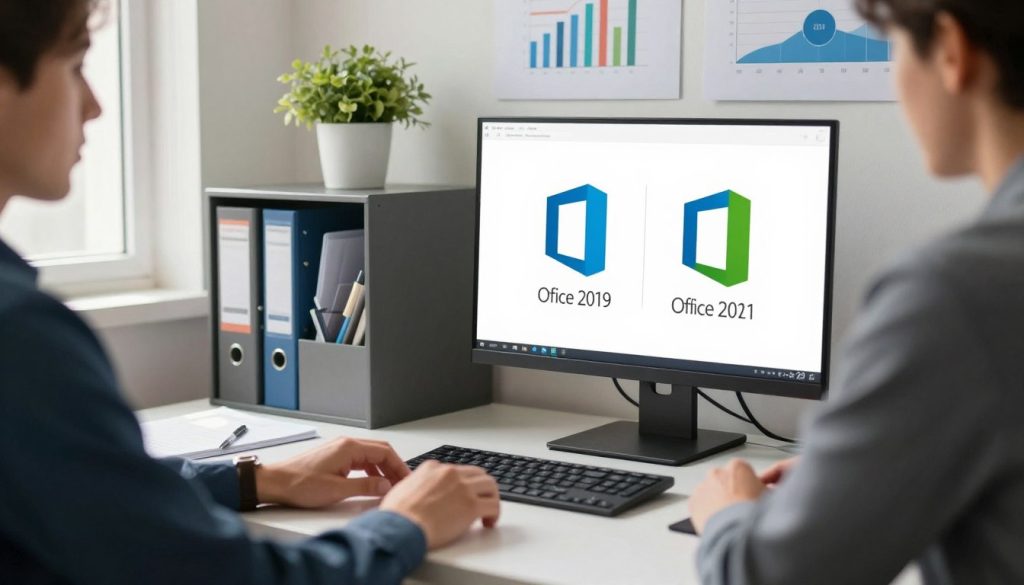
Choosing between Microsoft Office 2019 and 2021 depends on your needs, budget, and preferences. Office 2021 has more new features, better collaboration tools, and improved security. This makes it a strong choice.
Office 2021 has advanced tools in Word, Excel, PowerPoint, and Outlook. It includes dynamic arrays in Excel, better dictation in Word, and new presentation tools in PowerPoint. These are big upgrades.
If you want the latest features and use the Microsoft ecosystem, choose Office 2021. It works well with cloud services and has great collaboration tools. It’s perfect for both personal and work use.
In short, the comparison shows Office 2021 is more advanced and ready for the future. This summary helps you decide based on your needs.
