








Choosing how to play Minecraft can be tough. Players have long debated which platform is best for building and survival. Knowing the differences helps you decide where to spend your time.
This guide dives into the technical sides of the game. We’ll cover performance, modding, and cross-play. Whether you’re playing with friends on consoles or exploring PC mods, the details are key.
Choosing the Minecraft Java Edition is more than just about looks. Each version has its own unique features that change gameplay and multiplayer. Finding the perfect fit for your gaming style starts right here.
This Minecraft comparison aims to help every player understand the Bedrock Edition. We want to give you the best info before you start your next project. Enjoying the journey is as important as the final creation.
Understanding the Two Versions of Minecraft
Knowing the differences between Minecraft Java and Bedrock Editions is key for players. Minecraft has grown into two main versions: Java Edition and Bedrock Edition.
The Java Edition is the original Minecraft, released in 2009. It’s famous for its strong modding community and is only for PC. Java Edition gets updates and features on its own, different from Bedrock Edition.
The Bedrock Edition was made to bring Minecraft to more platforms. It works on Windows 10, Xbox, PlayStation, and mobile devices. It lets players join servers and play with friends on any device.
Java and Bedrock Editions have different update cycles. Java Edition gets new features and updates first. This means Java Edition might have more advanced or experimental features.
Choosing between Java and Bedrock Editions depends on several things. It’s about the platform you prefer, your interest in modding, and whether you want to play with friends across different devices. Knowing these differences helps players pick the best edition for their gaming style.
Platform Availability and System Requirements
Choosing between Minecraft Java and Bedrock Editions depends on where you can play and what your system needs. Each edition has its own benefits and suits different players.
Where You Can Play Java Edition
Minecraft Java Edition works on Windows, macOS, and Linux. This wide range of platforms makes it great for those with different operating systems.
- Windows 10 and 11
- macOS
- Linux distributions
Where You Can Play Bedrock Edition
Minecraft Bedrock Edition is available on even more platforms. You can play it on Windows 10, Xbox, PlayStation, Nintendo Switch, and mobile devices. It’s perfect for those who play on various devices.
- Windows 10
- Xbox One and Series X/S
- PlayStation 4 and 5
- Nintendo Switch
- iOS and Android devices
Minimum and Recommended System Specs
The system needs for Minecraft Java and Bedrock Editions are a bit different. Java Edition needs 4GB of RAM and a CPU with a clock speed of at least 1.8 GHz as a minimum. For better performance, it’s recommended to have 8GB of RAM and a quad-core CPU.
Bedrock Edition can run on less powerful hardware but benefits from more for smoother gameplay.
| Edition | Minimum RAM | Recommended RAM |
|---|---|---|
| Java Edition | 4GB | 8GB |
| Bedrock Edition | 2GB (varies by platform) | 4GB or more |
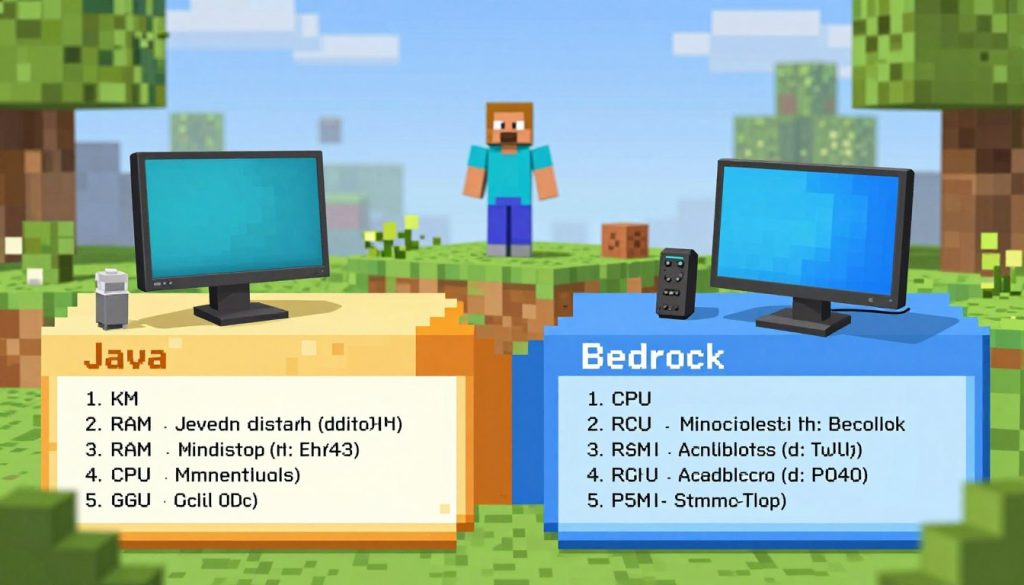
Knowing these technical details helps you pick the right edition for your device and gaming needs.
Performance and Optimization Differences
Minecraft’s performance is crucial, and the Java and Bedrock Editions differ a lot. These differences affect how well the game runs and how fast it loads. Each edition is optimized in different ways, impacting gameplay.
The Java Edition offers great customizability, but it can also be a challenge. Players can tweak settings and use mods to improve performance. However, bad mods or high graphics can slow the game down a lot.
Frame Rates and Rendering
Frame rates differ between the two editions, mainly because of rendering. The Java Edition uses OpenGL, which is more demanding but customizable. The Bedrock Edition has a simpler engine, making it smoother on lower-end devices.
Loading Times and Chunk Generation
Loading times and chunk generation are key for Minecraft’s performance. The Java Edition is known for fast chunk generation, thanks to community mods. But the Bedrock Edition has also improved its loading times in recent updates.
RAM and CPU Usage
RAM and CPU usage differ between the two editions. The Java Edition needs more RAM, especially with mods. The Bedrock Edition is more lenient with lower-end systems. CPU usage also varies, with the Java Edition using more for complex Redstone contraptions.
In summary, the performance and optimization differences between Minecraft’s Java and Bedrock Editions are significant. Knowing these differences helps players choose the best edition for their hardware and preferences.
Redstone Mechanics: Java vs Bedrock
The Redstone mechanics in Minecraft Java and Bedrock editions show big differences. These differences can really change how you play and build. Redstone is a complex system for making detailed contraptions and circuits.
Quasi-Connectivity in Java Edition
Java and Bedrock editions have a big difference in quasi-connectivity. Quasi-connectivity lets certain blocks power nearby Redstone parts without direct connection. This makes designs more complex and compact.
- Quasi-connectivity is great for making small, efficient Redstone contraptions.
- It gives more design freedom in Java Edition.
Redstone Timing Differences
Redstone timing is another area where Java and Bedrock differ. Java Edition’s Redstone timing system is more complex and precise. It’s harder to learn but offers better accuracy.
The timing differences can change how Redstone contraptions work. This is especially true for those that need exact timing.
Impact on Technical Builds
The Redstone mechanics differences affect technical builds a lot. Players who love making complex contraptions need to know these differences. This helps them make better designs.
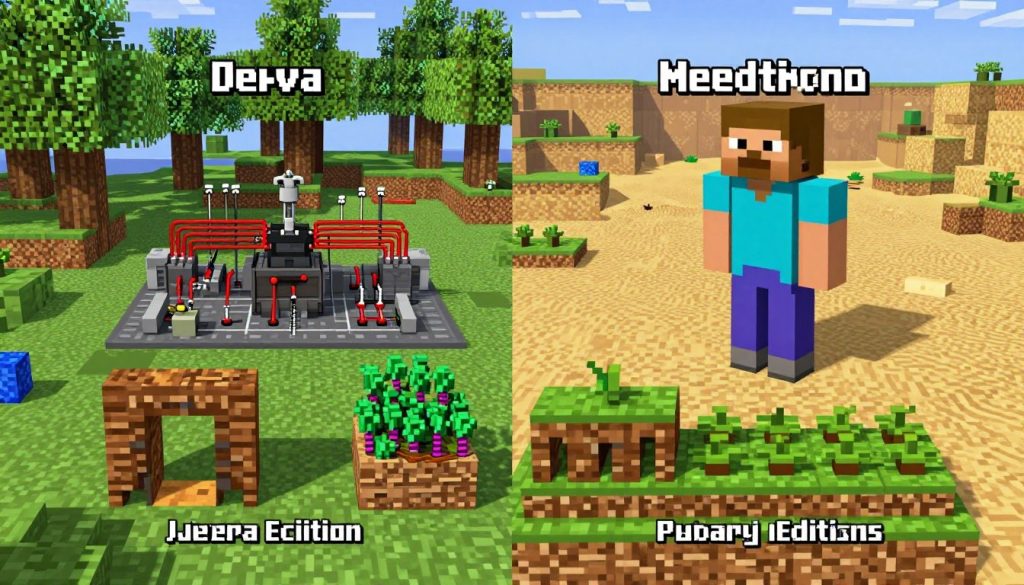
When making complex Redstone contraptions, consider the edition you’re playing. Some designs won’t work the same way in different editions.
- Technical players should know the Redstone mechanics differences between Java and Bedrock.
- Understanding these differences is key for making efficient Redstone contraptions.
Combat System Variations
The combat mechanics in Minecraft Java and Bedrock Editions are quite different. These differences greatly affect how players enjoy the game. Whether you’re fighting other players or the game’s toughest mobs, knowing these differences is crucial.
Attack Cooldown Mechanics
In Minecraft Java Edition, the attack cooldown is a key part of combat. It controls how often you can attack. This depends on the weapon’s attack speed, which shows how fast you can attack again after hitting an enemy.
Minecraft Bedrock Edition doesn’t have an attack cooldown like Java Edition. Instead, the game’s mechanics control the pace of combat in a different way.
| Edition | Attack Cooldown | Attack Speed Attribute |
|---|---|---|
| Java Edition | Present | Determines attack speed |
| Bedrock Edition | Not Present | Not Applicable |
Shield and Weapon Behavior
Shields and weapons behave differently in combat, especially in Minecraft Java Edition. Shields can block attacks, but their effectiveness varies. For example, they work better against certain projectiles and melee attacks.
In Minecraft Bedrock Edition, shields and weapons behave slightly differently. The way they interact with mobs and other players can vary. For instance, how shields block damage and their use cooldowns can differ.
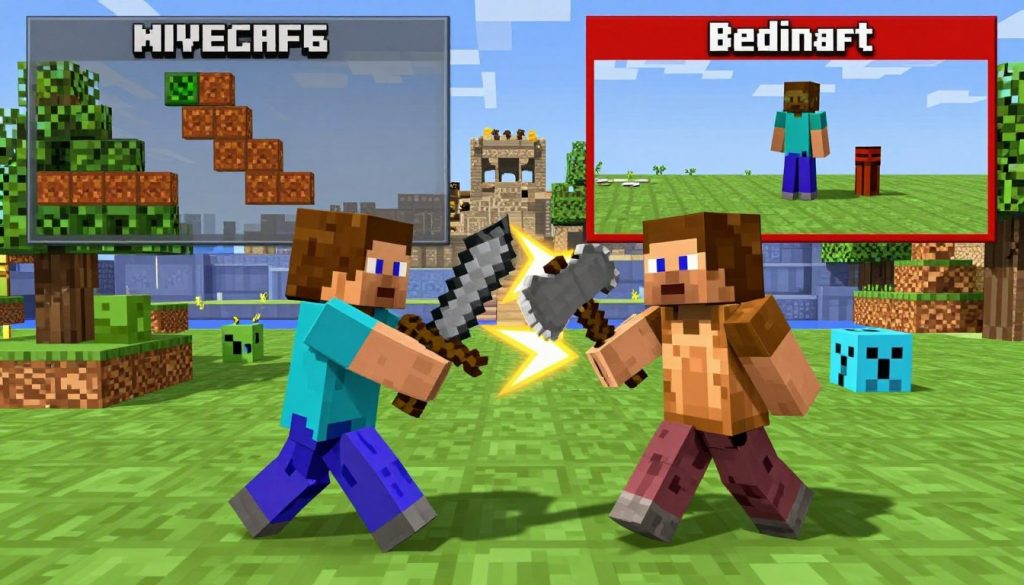
These combat mechanics differences between Minecraft Java Edition and Minecraft Bedrock Edition can change how you play the game. Whether you’re new or experienced, understanding these differences is important for enjoying the game fully.
Modding, Add-ons, and Customization
Minecraft’s flexibility comes from its modding and customization options. These differ between Java and Bedrock editions. Modifying and extending the game is key for many players, making it more fun and personal.
The Java Edition is famous for its strong modding community. With tools like Forge and Fabric, players can add many mods. These range from small tweaks to big changes in the game’s mechanics.
Java Edition Mod Support
Java Edition’s mod support is a big draw for players. The modding community is huge and active. It offers:
- Thousands of mods that can change or improve gameplay
- Complex mods that add new dimensions, items, and mechanics
- A big community that makes and shares mods, with lots of help and guides
Managing mods is easy with mod loaders. Players can turn mods on or off as they like.
Bedrock Edition Add-ons and Marketplace
Bedrock Edition uses add-ons instead of mods. These are supported by Microsoft and can be found in the Minecraft Marketplace or elsewhere.
Add-ons let players:
- Customize their game with new items, blocks, and mobs
- Change game behavior with behavior packs
- Update visuals with resource packs
The add-on system is not as flexible as Java’s modding. But it’s still powerful and lets players customize a lot.
Resource Packs and Shaders
Both Java and Bedrock editions support resource packs. These change the game’s look by altering textures, sounds, and more. Java Edition also supports shaders, adding advanced lighting and effects.
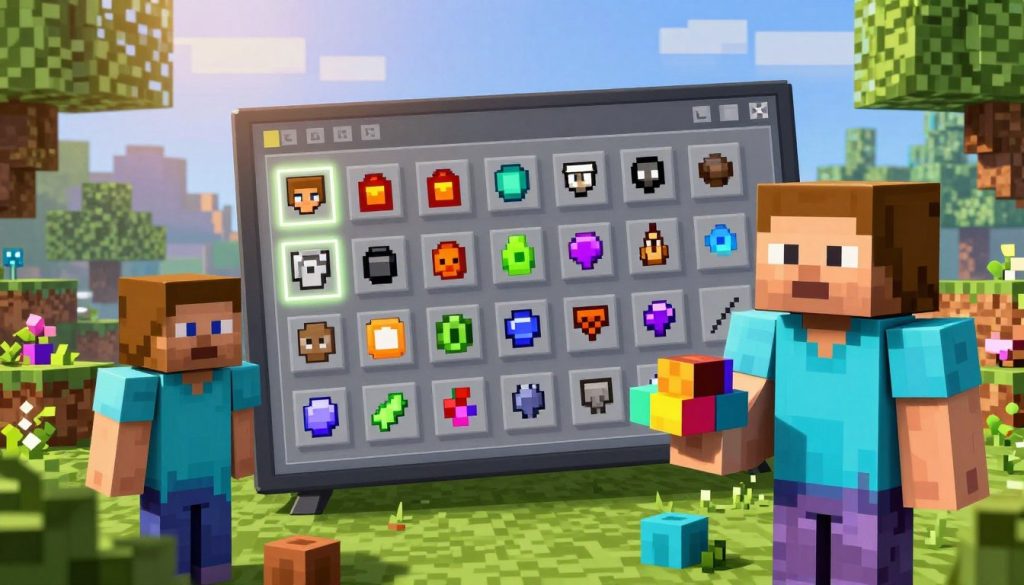
Resource packs are available for both editions. But Java Edition’s shader support gives it an edge in graphics customization. Players can pick from many resource packs and shaders to make their game look unique.
In summary, both editions offer great customization options. But they meet different needs and tastes. Java Edition is best for deep modding, while Bedrock Edition offers a more supported experience with add-ons and resource packs.
Multiplayer Experience and Cross-Platform Play
Minecraft is all about playing with friends, thanks to its multiplayer features. Java and Bedrock editions offer different ways to host servers and play together. Knowing these differences is key for players who want to play with friends on different platforms.
Server Hosting Options
Minecraft Java Edition lets you host servers in many ways because it’s open-source. You can use software like Spigot and Paper to customize your server. This means you can add plugins to change how the game works.
Bedrock Edition, however, has a simpler server hosting system. It uses Minecraft’s official server software. This makes setting up and managing servers easier but might not offer as much customization as Java Edition.
Cross-Platform Capabilities
Bedrock Edition shines with its ability to play with others across different devices. This includes consoles, mobile devices, and PC. It’s great for players with friends on different platforms.
Java Edition, while it used to only play with other Java players, now allows cross-platform play through third-party solutions. But, this requires extra setup and isn’t officially supported.
Realms Differences
Minecraft Realms is a service for hosting private servers. Both editions have Realms, but they work differently and offer different features.
Java Edition’s Realms supports custom content and plugins well, just like its server hosting. Bedrock Edition’s Realms, while simpler, works well across platforms and is easy to manage.
Choosing between Java and Bedrock Edition for multiplayer depends on what you value most. Do you want customization and control, or ease of use and playing with friends on different devices?
Graphics and Visual Differences
Minecraft Java Edition and Bedrock Edition look different, affecting how you play. Both have a blocky look, but they show the game world in different ways.
Lighting and shadows are key to a game’s feel. Lighting and Shadow Systems make the game world feel real.
Lighting and Shadow Systems
Minecraft Java Edition has better lighting and shadows. It has dynamic lighting and detailed shadows, making the game look better. Minecraft Bedrock Edition has simpler lighting and shadows.
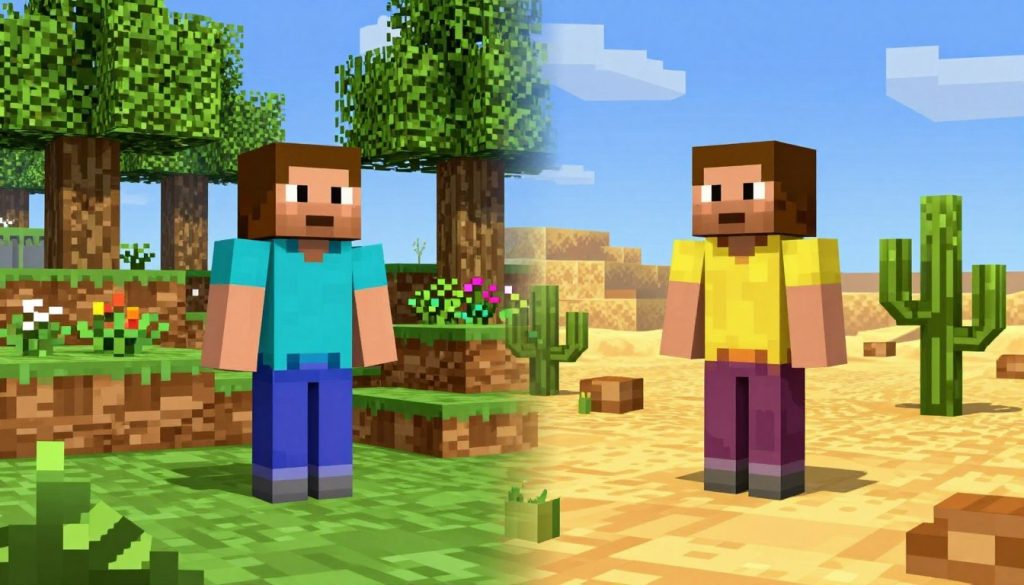
The lighting and shadow differences are clear in some scenes. For example, Java Edition’s shadows make trees and buildings look more real. Bedrock Edition is still pretty but lacks that extra detail.
Particle Effects and Animations
Java Edition and Bedrock Edition also differ in particle effects and animations. Java Edition has more detailed effects, like in explosions or when breaking blocks. Bedrock Edition’s effects are still fun but less detailed.
Java Edition’s animations are also more detailed. Water flows and mobs move more realistically. These differences make each version look unique.
In summary, Minecraft Java Edition and Bedrock Edition offer different looks. The graphics and visual effects affect how you enjoy the game. Whether you like advanced lighting or simpler visuals, knowing the differences helps choose the right edition for you.
Command Syntax and Data Packs
Minecraft Java and Bedrock Editions differ mainly in command syntax and data packs. For those who use commands and data packs a lot, knowing these differences is key for a smooth gaming experience.
The command syntax in Minecraft Java and Bedrock Editions varies. This affects how players use commands and make custom content. Let’s dive into these differences.
Command Differences Between Editions
Java Edition’s command syntax is more complex and flexible than Bedrock Edition’s. Java Edition supports advanced command features like NBT (Named Binary Tag) data. This allows for detailed item and entity customization.
- Java Edition commands need a deeper game knowledge.
- Bedrock Edition commands are simpler but lack some Java Edition’s advanced features.
Here’s a look at some common commands in both editions:
| Command | Java Edition | Bedrock Edition |
|---|---|---|
| Summon Entity | /summon minecraft:zombie ~ ~ ~ {CustomName:"\"Custom Zombie\""} | /summon zombie ~ ~ ~ |
| Give Item | /give @p minecraft:diamond_sword{Enchantments:[{id:"minecraft:sharpness",lvl:5s}]} | /give @p diamond_sword |
Data Packs vs Behavior Packs
Data packs in Java Edition and behavior packs in Bedrock Edition have similar goals. Data packs let Java Edition players tweak game mechanics, add new loot tables, and change world generation. They offer a wide range of customization options.
Behavior packs in Bedrock Edition, however, focus on changing entity behaviors and adding custom items and blocks. They do this in a more structured and limited way compared to data packs.
- Data Packs give Java Edition players advanced customization options.
- Behavior Packs offer a more controlled way to customize gameplay in Bedrock Edition.
It’s important for players who want to create custom content or change their Minecraft experience to understand these differences. By picking the right edition, players can unlock their full creative potential.
Update Schedules and Feature Parity
Knowing about update schedules and feature parity is key for Minecraft fans. It helps them choose between Java and Bedrock editions. The update frequency and content greatly affect the gaming experience.
The Minecraft Java edition and Bedrock edition have different update schedules. Java edition updates come straight from Mojang Studios, adding new features and fixing bugs. On the other hand, Bedrock edition updates are the same on Windows, consoles, and mobile devices. This ensures a consistent experience across platforms.
Feature parity between the two editions is also important. The Java edition usually gets new features first, with the Bedrock edition following later. This gap is due to different development cycles and priorities. But, Mojang Studios is making efforts to close this gap.
Key differences in update schedules include:
- The Java edition often receives updates before the Bedrock edition.
- The Bedrock edition’s updates are more synchronized across platforms.
- Feature parity is improving, but differences still exist.
Players should think about these points when picking between Java and Bedrock editions. It depends on whether you want the latest features or a consistent experience across platforms.
Exclusive Features in Each Edition
The Minecraft world is split into two main parts: Java and Bedrock. Each has special features. They cater to different players’ needs and likes.
Knowing what each edition offers helps players pick the right one. Let’s explore what makes each unique.
Java Edition Exclusive Features
Minecraft Java Edition has features not found in Bedrock. Some key ones are:
- Mod Support: Java Edition has many mods. This lets players change their game a lot.
- Custom Servers: Players can make and join custom servers. This adds a lot to multiplayer games.
- Complex Redstone Contraptions: Java Edition’s Redstone is more detailed. It’s great for players who love making complex things.
Bedrock Edition Exclusive Features
Minecraft Bedrock Edition also has special features. These make the game fun in its own way. Some are:
- Cross-Platform Play: Bedrock Edition lets you play with others on different devices. This includes Xbox, PlayStation, Nintendo Switch, and mobile.
- Marketplace: The in-game marketplace has cool stuff. You can find skins, textures, and game modes to make your game unique.
- Multiplayer Realms: Realms in Bedrock Edition make playing with friends easy. It’s a managed multiplayer experience.
These features show what each edition is best at. Players can choose based on what they like most: modding, custom servers, or playing with others on different devices.
Pricing, Licensing, and Accessibility
When looking at Minecraft Java vs Bedrock Edition, it’s important to know about pricing, licensing, and how to access the game. Each edition has its own way of selling, accessing, and owning the game.
Purchase Options and Bundles
Minecraft has different ways to buy and bundle both Java and Bedrock Editions. The Java Edition can be bought directly from the official Minecraft website. It’s a one-time buy, and you get a license to play without needing a subscription.
The Bedrock Edition is found on platforms like the Microsoft Store, Google Play Store, and Apple App Store. It also costs once, but some features like cross-platform play and Realms might need a Microsoft account and possibly a subscription.
| Edition | Purchase Platform | Purchase Type |
|---|---|---|
| Java Edition | Official Minecraft Website | One-time purchase |
| Bedrock Edition | Microsoft Store, Google Play Store, Apple App Store | One-time purchase |
Account Systems and Ownership
The account systems for Java and Bedrock Editions are quite different. For Java Edition, you need a Mojang account to buy and play. After buying, the game is linked to your Mojang account, and there are no extra subscription fees.
Bedrock Edition needs a Microsoft account for full features, like cross-platform play and Realms. While you can play without a Microsoft account on some platforms, some features are limited or missing without it.
Knowing these differences helps you decide which edition to buy. Both offer unique experiences, and your choice might depend on your ecosystem (e.g., Microsoft vs. Mojang account) and what features you prefer.
Minecraft Java vs Bedrock Edition: Which Should You Choose?
Minecraft has two main editions: Java and Bedrock. Each is made for different players and their likes. Your choice depends on how you play, what features you want, and the kind of game you’re after.
Best for Technical Players and Modders
For tech-savvy players or modders, Java Edition is the best. It has more mod support, letting you customize and improve the game a lot. The Java modding community is huge and always active, offering many mods to change and better your game.
Java Edition’s main benefits for tech players are:
- Extensive mod support
- More complex redstone contraptions
- Greater control over game mechanics through mods and custom servers
Best for Casual Players and Console Gamers
For those who play casually or on consoles, Bedrock Edition is the top pick. It gives a smooth experience on various platforms, including playing with friends on different devices. Bedrock also has a simpler interface, making it easier for new players to start.
Bedrock Edition’s main perks for casual players are:
- Cross-platform play
- User-friendly interface
- Consistent updates and features across platforms
Best for Playing with Friends
When playing with friends is key, your choice between Java and Bedrock Editions depends on your friends’ platforms. If your friends are on different platforms (like PC, Xbox, Mobile), Bedrock Edition is best for playing together. But, if you’re all on PC and prefer Java, you can still play together.
Here’s a comparison table to help you decide:
| Feature | Java Edition | Bedrock Edition |
|---|---|---|
| Cross-Platform Play | No | Yes |
| Mod Support | Extensive | Limited (Add-ons) |
| Redstone Complexity | More complex | Less complex |
| Platform Availability | PC (Java) | Multi-platform (PC, Consoles, Mobile) |
Conclusion
Minecraft Java Edition and Minecraft Bedrock Edition offer different experiences. They cater to different player needs and preferences. We’ve looked at the technical and gameplay differences in this article.
The Java Edition is great for players who love modding and precise Redstone mechanics. It offers a more complex gameplay experience. On the other hand, Bedrock Edition is perfect for those who want cross-platform play and a user-friendly interface.
Choosing between Minecraft Java Edition and Minecraft Bedrock Edition depends on what you prefer. Both have their strengths and weaknesses. Knowing these differences helps you make a better choice.
As Minecraft evolves, both editions will likely keep offering different options. By understanding each edition’s unique features, players can pick the best one for them. This ensures a more enjoyable Minecraft experience.
