












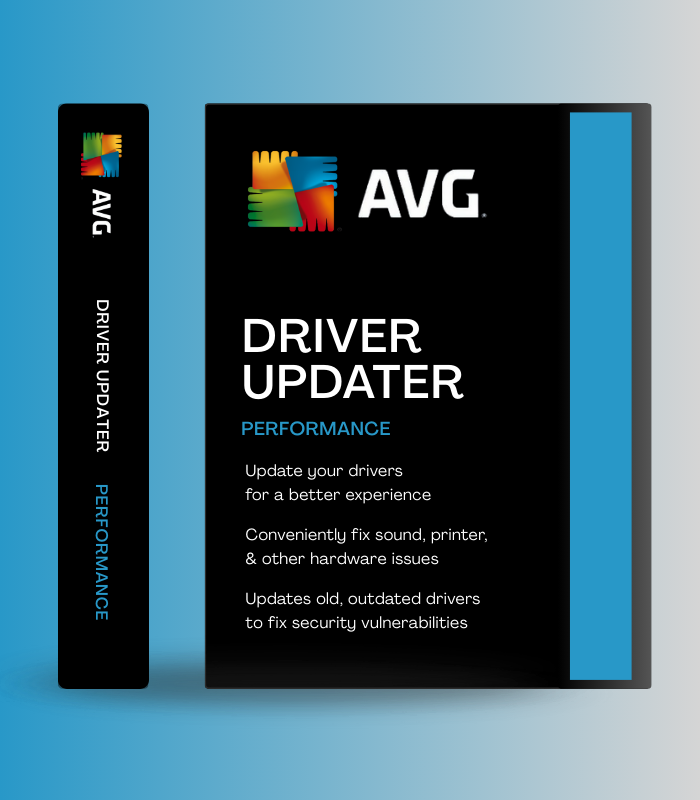
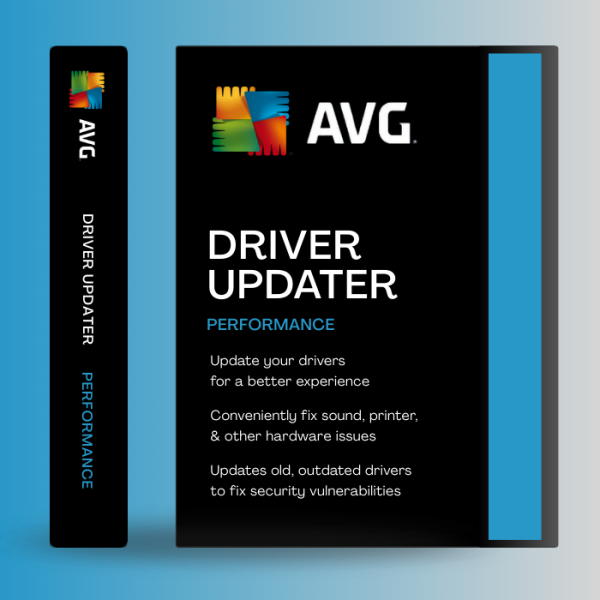
Keep your system running smoothly with AVG Driver Updater for 1 device for 1 year. Automatically scan and update outdated drivers to improve performance, stability, and security. Instant digital delivery for fast and easy activation.

Keep your system running smoothly with AVG Driver Updater for 1 device for 1 year. Automatically scan and update outdated drivers to improve performance, stability, and security. Instant digital delivery for fast and easy activation.
$15.00

Instant online access after purchase. No shipping required.

Available online anytime to assist you.
100% authentic and original license keys.
Payment Methods:

AVG Driver Updater – 1 Device, 1 Year (Digital License) is the automated solution for maintaining optimal PC performance by keeping all your hardware drivers up-to-date. With access to a database of over 50 million drivers, AVG Driver Updater automatically scans, identifies, and updates outdated, missing, or corrupt drivers for graphics cards, audio devices, printers, WiFi adapters, webcams, and more – eliminating crashes, fixing connectivity issues, boosting gaming performance, and ensuring smooth operation. Trusted by millions worldwide and backed by AVG’s 25+ years of security expertise, this 1-year license delivers real-time automatic updates with backup and rollback features, verified driver authenticity, and zero technical knowledge required.
| Feature | What it does | Perfect for |
|---|---|---|
| Automatic Driver Detection & Updates | Scans your entire PC to identify outdated, missing, or corrupt drivers across all hardware categories including graphics, audio, network, USB, chipsets, printers, cameras, keyboards, mice, and storage controllers – then automatically downloads and installs manufacturer-recommended official driver updates with one click | Preventing crashes, fixing device conflicts, maintaining system stability |
| 50 Million+ Driver Database | Cloud-based real-time database contains over 50 million verified drivers from all major manufacturers ensuring you always get the most current, compatible, and authentic WHQL-certified driver versions specifically matched to your exact hardware model | Finding rare drivers, ensuring compatibility, accessing latest features |
| Backup & Rollback Protection | Automatically creates system restore points and driver backups before installing any updates – if a new driver causes problems or compatibility issues, simply revert to the previous working version with one click, protecting you from unstable updates | Safe updating, recovering from bad drivers, risk-free optimization |
| Scheduled Automatic Scans | Set custom schedules for automatic driver scans that run in the background without interrupting your work – daily, weekly, or monthly intervals ensure your drivers stay current without manual checking, maintaining peak performance continuously | Set-and-forget maintenance, continuous optimization, hands-free updates |
| Performance Optimization | Updated drivers improve gaming FPS, enhance audio quality for music and calls, sharpen video clarity for streaming, speed up WiFi connectivity and downloads, reduce system lag and freezing, and eliminate bluescreens caused by driver conflicts | Gaming performance, streaming quality, faster browsing, stable systems |
| Security & Verified Sources | All drivers are pre-checked for malware and authenticity before installation, sourced only from official manufacturer channels and verified repositories, closing security vulnerabilities that outdated drivers create and protecting against zero-day exploits | Secure updates, preventing malware, closing security holes |
AVG Driver Updater eliminates the tedious manual process of searching for, downloading, and installing drivers one by one. With automatic detection, verified updates, and rollback protection, it’s effortless PC maintenance that keeps your hardware running flawlessly.
| 💻 Supported Platforms | Windows 7 (SP1), Windows 8/8.1, Windows 10, Windows 11 (all 64-bit and 32-bit versions) |
| ⚡ System Requirements | Intel Pentium 4 / AMD Athlon 64 or newer | 1 GB RAM (2 GB recommended) |
| 📀 Storage | 300 MB free disk space for installation | Additional space for driver downloads |
| 🌐 Internet Connection | Required for driver database access, scanning, and downloading updates |
| 🔍 Driver Database | 50 million+ verified WHQL-certified drivers | Real-time cloud updates |
| 🔧 Supported Hardware | Graphics cards, audio devices, network adapters, printers, cameras, USB devices, chipsets, storage controllers, keyboards, mice, webcams, scanners |
| ⚙️ Update Features | Automatic scanning, one-click updates, scheduled scans, real-time monitoring, bulk updates |
| 🛡️ Safety Features | Automatic backups, system restore points, driver rollback, malware scanning, verified sources only |
| 📊 Reports & Management | Detailed scan reports, driver history, update logs, hardware diagnostics, device overview |
| 🎮 Performance Impact | Minimal resource usage during background scans | Silent operation mode available |
| 📱 Device Coverage | 1 Windows PC or laptop |
| 📅 License Duration | 1 Year subscription (365 days from activation) |
| 🔄 Free Trial | 15-day trial available to test features before purchase |
| 🌍 Regional Availability | Global digital license – works worldwide |
✅ Instant Digital Delivery – activation key sent immediately to your email
✅ Automatic Driver Scanning – detects outdated, missing, corrupt drivers across all hardware
✅ 50 Million+ Driver Database – access to virtually any driver from verified sources
✅ One-Click Updates – download and install all drivers automatically with single click
✅ Backup & Rollback – system restore points created before updates, easy reversion
✅ Scheduled Scans – set automatic daily, weekly, or monthly maintenance checks
✅ Performance Boost – faster gaming, better audio/video, improved WiFi, fewer crashes
✅ Verified Safety – only WHQL-certified drivers from official manufacturer channels
✅ Hardware Diagnostics – detailed reports on driver status and device health
✅ Silent Operation – runs in background without interrupting work or gaming
✅ 1 Year Protection – 365 days of automatic driver maintenance
✅ Windows Compatible – supports Windows 7, 8, 10, 11
✅ Global License – works anywhere in the world
After installing AVG Driver Updater, run the initial full system scan to see exactly which drivers are outdated – you might be surprised to find critical graphics, audio, or network drivers running versions from years ago. Before updating everything at once, enable the “Create System Restore Points” option in Settings to ensure you can roll back if needed. For gaming PCs, prioritize updating graphics card drivers first (NVIDIA, AMD, or Intel) as these provide the biggest FPS improvements. Then update chipset and audio drivers. Schedule automatic weekly scans to run during times when you’re not actively using your PC (overnight or during lunch breaks) so updates happen seamlessly. After major Windows updates, run a manual scan immediately as Windows sometimes reverts drivers to generic Microsoft versions that lack optimal performance. If a new driver causes unexpected issues like audio crackling or display glitches, use the Rollback feature to revert to the previous version while waiting for the manufacturer to release a fix.
AVG Driver Updater scans your hardware configuration to identify exact model numbers, manufacturer details, and current driver versions. It then matches this information against its 50 million+ driver database to find the precise WHQL-certified driver recommended by the manufacturer for your specific hardware. This ensures compatibility and stability.
Yes, AVG Driver Updater automatically creates system restore points and driver backups before installing updates. If any new driver causes issues, you can easily roll back to the previous working version with one click. The software only installs verified drivers from official sources that are pre-scanned for malware.
Absolutely! Updated graphics card drivers often deliver significant FPS improvements in games, while updated chipset drivers improve overall system responsiveness. Users commonly report 10-30% FPS gains after updating GPU drivers, plus reduced stuttering and smoother gameplay. Audio and network driver updates also eliminate crackling and connectivity issues that disrupt gaming.
After your subscription expires, you can still view scan results showing which drivers are outdated, but you won’t be able to download or install driver updates automatically. Your currently installed drivers will continue working, but you’ll miss out on performance improvements, new features, and security patches from newer driver versions.
Yes! AVG Driver Updater shows you a detailed list of all outdated drivers with options to update selectively. You can choose to update specific devices (like only graphics or audio) while ignoring others. There’s also a one-click “Update All” option for convenience.
Yes, AVG Driver Updater fully supports Windows 11 along with Windows 10, 8/8.1, and 7. It’s regularly updated to maintain compatibility with the latest Windows versions and new hardware that’s released.
AVG Driver Updater includes robust rollback protection. Every update creates a backup of the previous driver version. If you experience problems after updating, simply open AVG Driver Updater, go to the affected device, and click “Revert” to restore the previous working driver. The software will prompt you to restart your PC to complete the rollback.
AVG Driver Updater is the effortless solution for maintaining peak PC performance without technical expertise or manual driver hunting. With automatic scanning powered by a database of 50 million+ verified drivers, one-click updates, backup and rollback protection, and scheduled maintenance, AVG Driver Updater eliminates crashes, fixes connectivity issues, boosts gaming FPS, enhances audio and video quality, and closes security vulnerabilities – all while running silently in the background. Trusted by millions worldwide and backed by AVG’s quarter-century of software excellence, this 1-year license delivers 365 days of worry-free driver management that keeps your hardware running flawlessly. Stop wasting time searching for drivers manually and let AVG Driver Updater handle everything automatically with professional reliability and consumer-friendly simplicity.
 Optimized by Seraphinite Accelerator


Reviews
Clear filtersThere are no reviews yet.