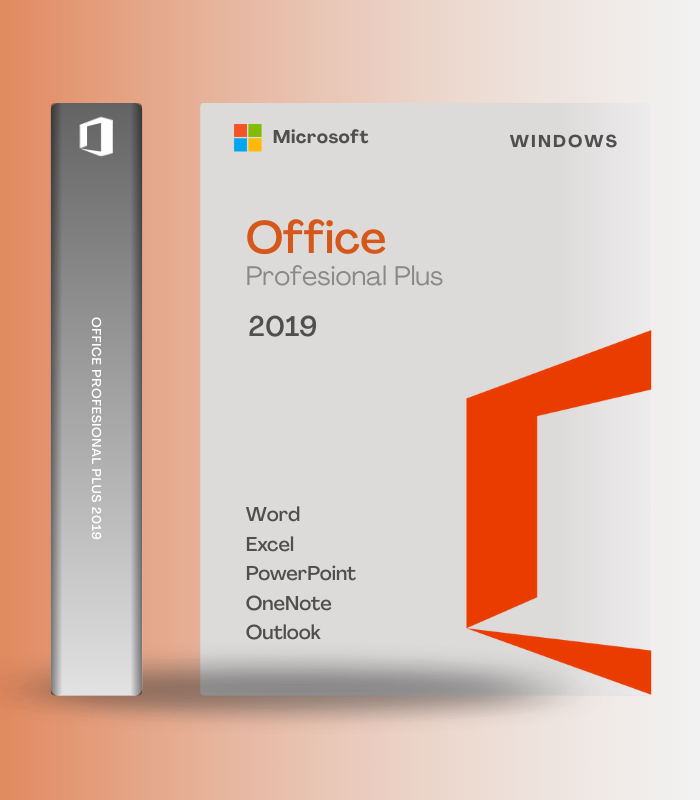
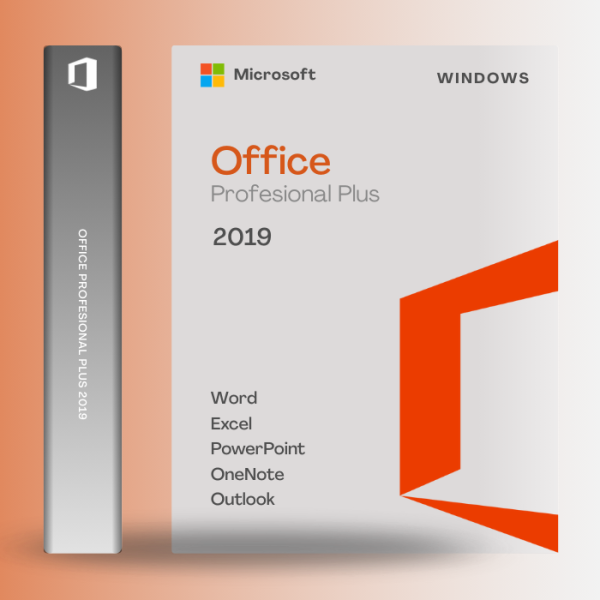
Microsoft Office 2019 Professional Plus – Digital License (Windows) is the complete productivity suite that includes every essential application for business, education, and personal use in one perpetual license. Get the full desktop versions of Word, Excel, PowerPoint, Outlook, OneNote, Access, Publisher, and Skype for Business without recurring subscription fees. With enhanced features like PowerPoint Morph transitions, new Excel chart types and formulas, improved inking across all apps, LaTeX equation support, Focused Inbox in Outlook, and seamless OneDrive cloud integration, Office 2019 delivers professional-grade tools with modern capabilities. This is a one-time purchase that’s yours forever – no subscriptions, no monthly payments, just permanent ownership of the world’s most trusted productivity software.
📊 What’s Inside
| Application | What it does | Perfect for |
| Word 2019 | Advanced word processing with improved inking, text-to-speech, LaTeX equation support, enhanced accessibility features, translation tools, and seamless collaboration with real-time co-authoring when saving to OneDrive | Documents, reports, resumes, letters, academic papers, contracts |
| Excel 2019 | Powerful spreadsheet application with new chart types (funnel, map, timeline), enhanced formulas (IFS, SWITCH, MAXIFS), Power Query integration, improved PivotTables, advanced data analysis tools, and macro automation support | Financial reports, budgets, data analysis, inventory tracking, forecasting |
| PowerPoint 2019 | Professional presentations with revolutionary Morph transitions for cinematic motion, Zoom feature for non-linear navigation, 4K video export, SVG support with filters, Surface Pen integration, and presenter coaching with rehearsal feedback | Business presentations, sales pitches, academic lectures, training materials |
| Outlook 2019 | Complete email and calendar management with Focused Inbox prioritizing important messages, @mentions for team collaboration, improved contact cards, calendar sharing, integrated task management, and support for multiple email accounts | Email communication, scheduling, contact management, task organization |
| Access 2019 | Professional database management system with support for Large Number data type, enhanced SharePoint list integration, modern dBASE support, improved data charting, custom application development, and powerful query builder | Customer databases, inventory systems, project tracking, custom business apps |
| Publisher 2019 + OneNote + Skype for Business | Publisher creates professional marketing materials and publications with drag-and-drop design, OneNote captures and organizes notes across devices with cloud sync, and Skype for Business enables instant messaging, video conferencing, and screen sharing | Flyers, brochures, newsletters, note-taking, team meetings, remote collaboration |
Microsoft Office 2019 Professional Plus is the complete suite with every application businesses need. Unlike subscription-based Microsoft 365, this is a one-time purchase that you own forever with all features fully unlocked.
🎯 Why Users Choose Office 2019 Professional Plus
💡 Key Benefits
- One-time purchase – pay once, own forever with no monthly subscription fees
- 8 complete applications – Word, Excel, PowerPoint, Outlook, Access, Publisher, OneNote, Skype for Business
- Lifetime license – permanent ownership with security updates and bug fixes
- Offline functionality – all apps work fully offline after activation
- Industry standard – compatible with businesses, schools, government worldwide
🎨 Best Use Cases
- Small businesses needing complete productivity suite without subscriptions
- Professionals who prefer perpetual licenses over recurring payments
- Organizations with stable Office needs not requiring constant updates
- Users wanting desktop apps with OneDrive cloud integration
- Anyone seeking professional-grade Office at one-time cost
✨ Highlight Feature: Perpetual License with Modern Capabilities
What sets Office 2019 Professional Plus apart is that you get modern, professional-grade productivity features without being locked into perpetual subscriptions. While Microsoft pushes Office 365/Microsoft 365 with monthly fees, Office 2019 delivers a complete, fully-featured suite with one-time payment and permanent ownership. You get cutting-edge capabilities like PowerPoint Morph for cinematic slide transitions, new Excel chart types for data visualization, LaTeX math equations in Word, Focused Inbox in Outlook, and improved inking across all applications with Surface Pen support. All apps integrate seamlessly with OneDrive for cloud storage and real-time collaboration when you choose, but they work perfectly offline without internet dependency. You receive security updates and bug fixes to maintain stability, but you’re not forced into feature updates that change your familiar workflow. This is professional productivity software on your terms – modern tools, classic ownership model, no subscription treadmill. For businesses, students, and professionals who want Office’s power without ongoing costs, Office 2019 Professional Plus delivers everything you need with lifetime access.
📋 Technical Specifications
| 💻 Supported OS | Windows 10, Windows 11 (NOT compatible with Windows 7 or 8.1) |
| ⚡ Processor | 1.6 GHz dual-core processor minimum (SSE2 instruction set support required) |
| 💾 RAM | 4 GB minimum, 8 GB+ recommended for optimal performance |
| 📀 Storage | 4 GB free disk space (SSD recommended for faster performance) |
| 🖥️ Display | 1280 x 768 screen resolution minimum (1920 x 1080 or higher recommended) |
| 📦 Included Applications | Word, Excel, PowerPoint, Outlook, OneNote, Access, Publisher, Skype for Business (8 apps total) |
| 🔧 Installation | Click-to-Run deployment | Available in 32-bit and 64-bit versions (64-bit recommended) |
| 🌐 Internet Requirements | Required for activation, updates, and OneDrive features | All apps work fully offline after setup |
| ☁️ Cloud Integration | OneDrive integration for cloud storage and real-time collaboration (optional, requires Microsoft account) |
| 🔄 Updates | Security patches and bug fixes included | No new feature updates (Office 2019 feature set is final) |
| 📱 Device License | 1 Windows PC license | Lifetime perpetual ownership |
| 🔐 Activation | Product key activation via Microsoft account | Device-based license (not account-portable) |
| 📅 Support End Date | Mainstream support until October 14, 2025 | Extended support available thereafter |
| 🌍 Regional Availability | Global digital license – works worldwide |
🚀 What You Get Right Now
✅ Instant Digital Delivery – product key and download link sent immediately via email
✅ Word 2019 – advanced word processing with LaTeX equations and enhanced inking
✅ Excel 2019 – powerful spreadsheets with new chart types, formulas, and Power Query
✅ PowerPoint 2019 – cinematic presentations with Morph transitions and Zoom navigation
✅ Outlook 2019 – professional email with Focused Inbox and @mentions
✅ Access 2019 – database management with Large Number data type support
✅ Publisher 2019 – desktop publishing for marketing materials and publications
✅ OneNote 2019 – digital note-taking with cloud sync across devices
✅ Skype for Business – instant messaging, video conferencing, screen sharing
✅ OneDrive Integration – 5GB free cloud storage for document backup and collaboration
✅ Lifetime License – one-time purchase, permanent ownership, no subscriptions
✅ Security Updates – bug fixes and patches to maintain stability
✅ Global License – works on Windows 10/11 worldwide
💡 Pro Tip
After activating Office 2019 Professional Plus, immediately configure OneDrive integration by signing in with your Microsoft account to enable cloud backup and collaboration features – this gives you 5GB free storage and allows real-time co-authoring when needed. In PowerPoint, explore the Morph transition by duplicating a slide, moving objects on the second slide, then applying Morph between them for cinematic animation effects. In Excel, use the new chart types like Funnel and Map to create more impactful data visualizations. Enable Focused Inbox in Outlook to automatically prioritize important emails and reduce inbox clutter. For Access users, take advantage of the new Large Number data type for working with big datasets. Remember that Office 2019 apps work fully offline once activated, so you can create, edit, and save documents locally without internet dependency – cloud features are optional conveniences, not requirements.
❓ FAQ
Is this a one-time purchase or subscription?
This is a perpetual one-time purchase – you own Office 2019 Professional Plus forever with no monthly or annual subscription fees. Pay once during purchase, install on your PC, and use it for life. Unlike Microsoft 365 which requires ongoing payments, Office 2019 is yours permanently.
What’s the difference between Office 2019 and Microsoft 365?
Office 2019 is a one-time purchase with a fixed feature set that never changes, while Microsoft 365 is a subscription service with continuous feature updates. Office 2019 includes 8 desktop applications with modern capabilities, while Microsoft 365 adds cloud storage (1TB OneDrive), mobile apps, and new features as they’re released. Choose Office 2019 if you prefer ownership without subscriptions.
Does Office 2019 work on Windows 7 or 8?
No. Office 2019 requires Windows 10 or Windows 11 – it is NOT compatible with Windows 7, 8, or 8.1. Microsoft designed Office 2019 exclusively for Windows 10 and newer operating systems. If you’re running older Windows versions, you’ll need to upgrade your OS before installing Office 2019.
Can I install this on Mac?
No, this Windows license does NOT work on macOS. This is specifically Microsoft Office 2019 Professional Plus for Windows only. If you need Office for Mac, you must purchase Office 2019 for Mac (Home & Business edition) or subscribe to Microsoft 365 which includes Mac versions.
Will I receive new features and updates?
You’ll receive security updates, bug fixes, and patches to maintain stability, but Office 2019 does NOT receive new feature updates. The feature set is final and frozen at the 2019 release. If you want continuous new features like Designer in PowerPoint or Editor in Word, consider Microsoft 365 subscription instead.
How many devices can I install this on?
This license is for 1 Windows PC only. The digital license binds to your specific device. Unlike Microsoft 365 which allows installation on multiple devices, Office 2019 Professional Plus is a single-device perpetual license.
Does this include Access and Publisher?
Yes! Office 2019 Professional Plus is the complete edition that includes Access (database management) and Publisher (desktop publishing) in addition to Word, Excel, PowerPoint, Outlook, OneNote, and Skype for Business – all 8 applications for comprehensive productivity.
🏁 Final Word
Microsoft Office 2019 Professional Plus is the smart choice for users who want professional-grade productivity software without being locked into perpetual subscriptions. With 8 complete applications including Word, Excel, PowerPoint, Outlook, Access, Publisher, OneNote, and Skype for Business, you get everything needed for business, education, and personal productivity in one comprehensive package. Modern features like PowerPoint Morph, new Excel chart types, LaTeX equations, Focused Inbox, and enhanced inking deliver cutting-edge capabilities, while OneDrive integration provides optional cloud collaboration. Most importantly, this is a one-time purchase that you own forever – no monthly fees, no subscription treadmill, just permanent ownership of the world’s most trusted productivity suite. For those who prefer buying software rather than renting it, Office 2019 Professional Plus delivers exceptional value with lifetime access to professional tools.
















Reviews
Clear filtersThere are no reviews yet.